
Rust server lag is rarely a single thing breaking. It is almost always server.fps falling below 30, and from there it cascades into rubber-banded movement, doors refusing to close, raids that look like a slideshow, and the dreaded full-server freeze every five minutes when the map saves. As a host running dozens of Rust instances on Pterodactyl, we see the same five causes account for ~90% of all "my Rust server is lagging" tickets. This guide walks through what is actually broken on your box, what to type to confirm it, and the exact values that fix each cause.
Symptoms: what server lag actually looks like
Before changing anything, confirm you have server lag and not client lag. The fastest way is to drop into your server console (Pterodactyl console tab, or RCON) and type:
server.fps
This is the simulation rate of your dedicated server, not your client FPS. The numbers you want to see:
- 200+ on a vanilla server with under 50 players: healthy
- 120 to 200 on a modded server with 50 to 100 players: acceptable
- 60 to 120 modded with heavy plugins: starting to feel sluggish to players
- Under 30: this is what players are calling "lag." Doors lag, building blocks shimmer, hits do not register, vehicles stutter
If server.fps is sitting at 200+ and players still report lag, the problem is client side (their GPU, their network, or packet loss between them and the datacenter) and nothing you change on the server will help. If it is under 60, especially during fights or near big bases, the rest of this article applies.

Cause 1 (most common): plugin garbage collection spikes
This is the single biggest cause of "my server was fine yesterday and now it lags every 30 seconds" tickets. Plugins on Oxide/uMod build up object allocations, the .NET runtime stalls the main simulation thread to clean them up, and you get a visible 0.5 to 1.5 second freeze for every player on the server.
The fix is two-part. First, run a manual collection from console:
gc.collect
If the lag clears immediately after this command, plugin GC is your bottleneck. The permanent fix is to either reduce plugin load or schedule preemptive collections.
Plugins that are notoriously heavy (audit these first if you have lag):
- CopyPaste running large blueprint pastes during peak hours
- BetterChat with rich chat logging plugins layered on top
- Backpacks at 48+ slot configurations with large player counts
- ZoneManager with many overlapping zones
- NTeleportation when many players teleport at once
- Anything that polls every tick (CombatLog, decay plugins). Check the plugin's source for OnEntityTick or similar hooks.
Open your Pterodactyl console and run oxide.plugins (or carbon.plugins if you are on Carbon) to see what is actually loaded. If you have more than 50 plugins, you have a plugin problem regardless of which ones they are.
Cause 2: the 5-minute save spike
By default, Rust saves the server state every 300 seconds. On any populated server, this save is synchronous and stalls the entire simulation for 2 to 8 seconds depending on entity count and disk speed. Players see this as: walking, freeze, teleport.
Open your server config and find:
server.saveinterval 300
For a populated wipe (anything past day three with 50+ players), set this to:
server.saveinterval 600
For very large maps or near-end-of-wipe, 900 is reasonable. The tradeoff: if the server crashes, you lose up to that many seconds of progress. On well-hosted hardware the crash risk is near zero, so 600 to 900 is fine. We default new Rust servers on DoomHosting to 600 for exactly this reason.
You can verify the save spike is what is causing your specific lag by watching your server console at the exact moment of the freeze. If you see [Server] Saving complete immediately after the freeze, that was your culprit.
Cause 3: entity creep over the wipe
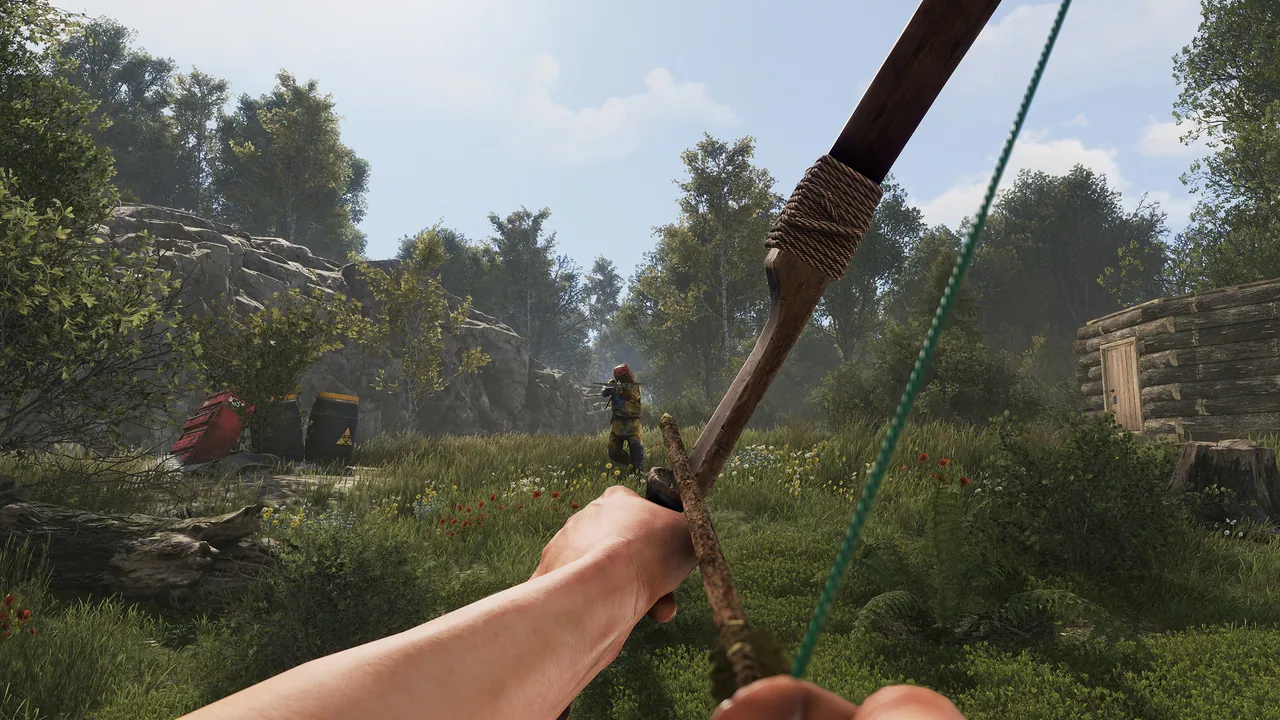
Rust spawns and tracks every door, every storage box, every code lock, every furnace, every dropped item. By day 5 of a wipe, a 100-slot server with 30 active bases has often crossed 300,000 entities. Every entity costs simulation time every tick.
Check your entity count:
server.entitiesPerPlayer
print(BaseNetworkable.serverEntities.Count)
Healthy ranges:
- Day 1: under 50k entities
- Day 3: 100k to 150k
- Day 5+: 200k to 300k is normal, 400k+ is when you see late-wipe lag
There is no clean fix mid-wipe other than enabling more aggressive decay (faster TC-less base demolish) and dropped item cleanup:
decay.scale 1.5
decay.upkeep true
The real fix is wiping. If your server is consistently dying around day 7 to 10, shorten your wipe schedule. Most successful modded servers wipe weekly or biweekly precisely because of this curve.
Cause 4: server.tickrate, fps.limit, and other settings that get blamed but rarely matter
There is a persistent myth that lowering server.tickrate will fix lag. It will not. server.tickrate is on the client side and controls how often clients send position updates to the server. Lowering it reduces network traffic but does not free up CPU on your dedicated server.
Similarly, fps.limit on the server does not give you more FPS. It caps the upper bound to prevent wasted CPU cycles. 256 is the sane default. Going lower can actually cause lag because the server has less headroom for spikes.
What does matter:
server.maxplayersset higher than your hardware can sustain. Vanilla 100-slot needs at least 4 dedicated cores at 4.5GHz+; modded 100-slot needs 6+ and 16GB RAM minimum.- Running on shared CPU on a bargain host. Rust hates shared cores: single-thread performance is everything.
- The server process not being pinned to a fast core.
If you are on a host that uses Ryzen 9 or i9 hardware and your server is still hitting under 60 server.fps with under 50 players, the bottleneck is software (plugins, entities, save) not hardware.
Cause 5: post-update lag (the "lagging after update" case)
Almost every major Facepunch patch introduces a temporary performance regression somewhere, usually in a new entity type or a refactored system. The pattern in 2026:
- Patch ships Thursday with force wipe
- Players report stutter for 3 to 4 days
- Mod authors push compatibility updates over the weekend
- The Tuesday or Wednesday after the patch, things stabilize
If your lag started immediately after a Facepunch update and you have not touched plugins, the cause is almost certainly an out-of-date plugin that has not been updated for the new API. Check the Oxide/uMod plugin pages for any plugin you have, and remove or disable anything that has not been updated since the patch. The error log (server.log) will usually point at the offender with NullReferenceException stack traces.
Diagnostic checklist (paste this in your console)
When a player reports lag, run these in order in your Pterodactyl console:
server.fps
print(BaseNetworkable.serverEntities.Count)
oxide.plugins
gc.collect
server.fps
Compare the first server.fps value to the value after gc.collect. If it jumped by 20+, plugin garbage collection is your bottleneck and you need to audit plugins. If it did not move, your bottleneck is entities (cause 3) or hardware (cause 4).
What we tune by default on our Rust servers
For reference, here is what every fresh Rust install at DoomHosting ships with out of the box:
server.saveinterval 600fps.limit 256decay.scale 1.0(configurable per server)- Pterodactyl resource limits sized so the Rust process always has dedicated CPU headroom
- Server process running on Ryzen 9 hardware with single-thread boost above 5.0GHz. Rust is single-thread-bound, so high clock speed beats more cores every time.
- Automatic nightly backups so you can crank saveinterval without fear
We also ship with only the plugins you install, no preloaded bloat. Most lag tickets we see on competitor migrations come from leftover plugins from the previous host.
Still lagging?
Walk the causes again, in order: plugin GC (gc.collect test), then save interval, then entities, then hardware. The order matters because each cause is roughly 5x more expensive to fix than the previous one. If you have done all four and server.fps is still under 60 with under 50 players, you almost certainly need either better hardware or a fresh wipe.
Host your Rust server with DoomHosting
If you are tired of debugging tickrate on a host with shared CPUs, our Rust servers run on dedicated Ryzen 9 cores with the tuning above already in place. Spin up a Rust server with DoomHosting, set your wipe schedule, and let us handle the rest. Instant setup, full FTP for your Oxide plugins, and a 24/7 support team that actually plays the game.