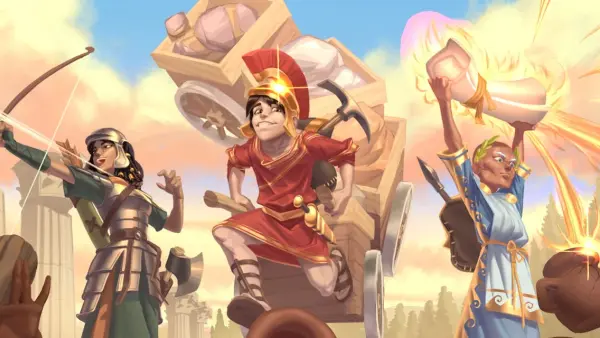
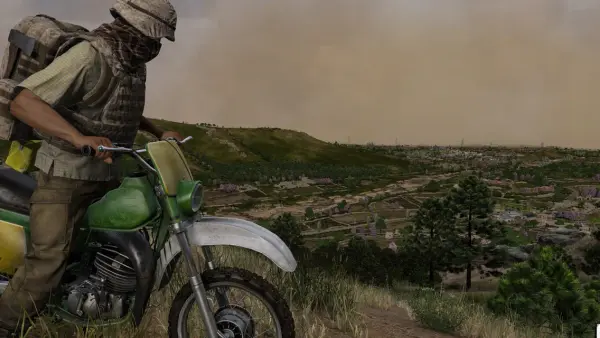
RuneScape: Dragonwilds left Early Access today, 15 September 2026. The 1.0 build is out on PC (Steam, Epic and the Jagex Launcher), PlayStation 5, Xbox Series X|S and Nintendo Switch 2 at the same time, and crossplay between all four is live. If you already run a dedicated server, the practical change is simple: console players can join it today.
Consoles cannot host a Dragonwilds server themselves. A rented dedicated server is the only way a PS5, Xbox or Switch 2 group gets a world that keeps running when everyone logs off.
What launched today
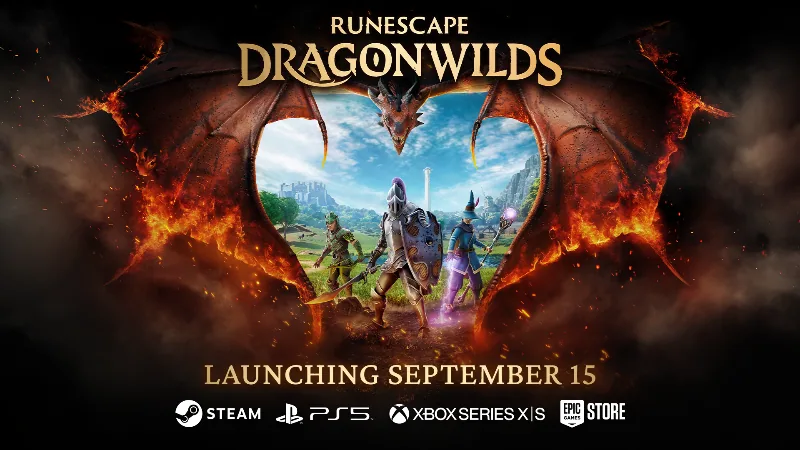
- Simultaneous release on PC, PlayStation 5, Xbox Series X|S and Nintendo Switch 2
- Crossplay across every platform, dedicated servers included
- The Scorned Wilderness raid and the showdown with Kuldra, the God-Eater dragon queen
- The Umbral Sands region, plus Adamant and Runite tier gear
- All 13 skills open to level 99
How console players join your dedicated server
Console players do not type an IP address. Your server mints an invite code every time it boots, and that code is what a PS5, Xbox or Switch 2 player enters.
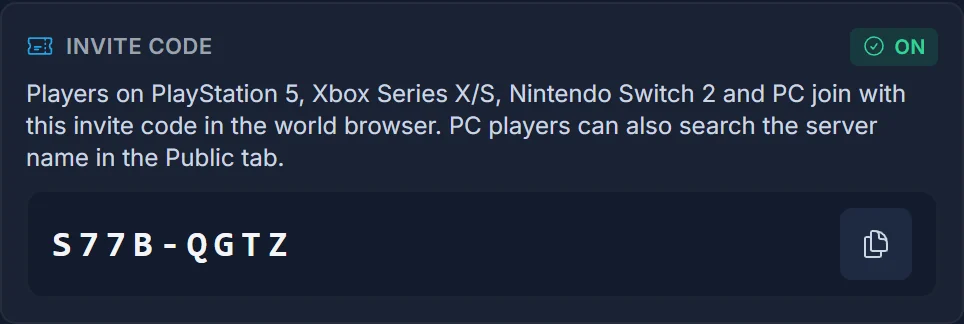
- Open your server in the DoomHosting panel. The invite code sits on the Overview page and in the Join popover, with a copy button next to it.
- Send the code to your console players.
- In game they choose to join a friend's world and enter the code.
Four things worth knowing:
- The code is new after every boot. Restart the server and the old code stops working, so always share the one the panel is showing right now.
- PC players get two more routes. They can search the exact server name in the world browser's Public tab, or connect straight to the IP and port on the same panel page.
- A server that was already running needs one restart. Auto-update is on, so a single restart pulls the 1.0 build. Until that restart, console players cannot connect.
- Six players, not four. A DoomHosting dedicated server holds 6 at once, two more than a world hosted from the game client.
The full walkthrough with screenshots for each console: How to join a Dragonwilds server on PS5, Xbox and Switch 2. PC players have their own guide: How to join a Dragonwilds server.
Crossplay is on by default
There is nothing to switch on. Our servers write PlatformPolicy=Crossplay themselves on boot, so a fresh server accepts PC, PlayStation, Xbox and Switch 2 players from its first start. The panel shows the current policy on the Crossplay card.
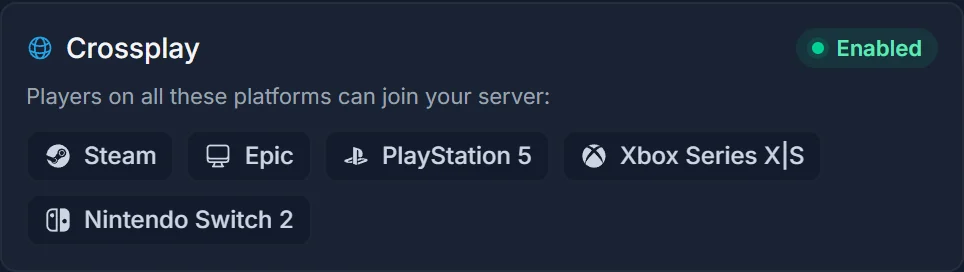
That settles the open question from the June preview of this post: crossplay on dedicated servers is confirmed, and it is the default rather than an opt-in. If you want to know exactly what the setting does, or you want a server restricted to one platform, read Crossplay on your Dragonwilds server.
What this means for your server
- Restart once today. That is the whole update process. The console players waiting on you cannot get in on the old build.
- Plan around 6 players, not 4. Six is the hard cap the server itself reports, so a sixth friend is the last one.
- Back up before the first 1.0 boot. Major version jumps are the classic moment for a save to go wrong. Take a manual backup from the Backups tab even if daily backups are already running.
- Give the server a name people can actually search. PC players find it by exact name in the Public tab, so "Server" is a bad choice and a distinctive name is a good one.
- Decide on a password now. A password keeps the world private even if the name is public, and it does not stop invite codes from working.
Host your RuneScape: Dragonwilds server with DoomHosting
Spin one up on DoomHosting's RuneScape: Dragonwilds hosting with instant setup, full FTP access, automated daily backups, DDoS protection and 24/7 support on Ryzen 9 hardware. The invite code and connection details are on the Overview page the moment the server boots.
Setting up for the first time? Our Dragonwilds getting started guide covers the first boot, the config file and inviting your group.