Mojang opened the next Java Edition cycle on September 22, 2026 with Minecraft 26.4 Snapshot 1, and followed it with Snapshot 2 on September 29. The line everyone repeats is that Vulkan is now the default graphics API. The part that matters if you run a server is quieter: three new server.properties keys, a reworked handshake that lets a server address carry extra parameters, and a packet that lets mod loaders tell the server which client mods a player is using.
Here is what changed in both snapshots, and what it means for your Minecraft server.
When did the Minecraft 26.4 snapshots release?
- 26.4 Snapshot 1: September 22, 2026 (data version 5119)
- 26.4 Snapshot 2: September 29, 2026 (data version 5120)
Both arrived within two weeks of 26.3 Wilderness Bound, which went live on September 15. Mojang has not given 26.4 a release date, and the ice caves teased at Minecraft Live on September 26 have not appeared in a snapshot yet. Java 25 is still the minimum, same as 26.3, so a host already running 26.3 needs no new runtime.
The Vulkan default is client-side only
In Video Settings, the "Graphics API" option set to "Default" now behaves exactly like "Prefer Vulkan". The game also stops switching the API on its own when it detects a crash on startup, something it used to do quietly in the background.
None of this touches a dedicated server. The server JAR has no renderer, so Vulkan changes nothing about RAM, CPU or tick rate on the machine your world runs on. Where it reaches you is support. If a player on old or unusual graphics drivers suddenly can't launch the snapshot, the fix is on their side: they set Graphics API back to OpenGL in Video Settings by hand, because the automatic fallback is gone.
Three new server.properties keys
This is the section worth reading twice. Snapshot 1 adds:
allowed-connection-ids: a comma-separated list of IDs. When it isn't empty, the server rejects any connection whose address doesn't carry a matching_id. That covers the status ping as well as login, so a player without the right ID can't even see your MOTD or player count.status-contact-details: free text sent in the server status response under acontactfield. Mojang pitches it as a way to reach the owners of a server that has no website.enable-legacy-status: turns off the old pre-1.7 status and ping protocol. It defaults totrue, so nothing changes until you flip it.
Players supply the ID in the normal Server Address field as [email protected], which the client turns into play.example.com?_id=id.
One honest warning. Mojang states that the handshake packet carrying these values is not encrypted. Treat allowed-connection-ids as a way to keep a test or event server out of scanners and casual pings, not as access control. Keep the whitelist on for anything that truly has to stay private.
To try them, add the lines to server.properties in your panel's File Manager and restart. A 26.3 server doesn't use these keys, so they only do anything on a 26.4 snapshot server.
The handshake change hits proxies and networks
The host field in the minecraft:intention packet can now carry query-style parameters after the domain, for example example.com?key1=value&key2, and the field grows to 1024 characters. If the server sits behind an SRV record, the client now sends the resolved domain as the main host and adds the original domain as an _o property. The minecraft:transfer packet also gains a properties map that gets passed on to the target server.
For a single vanilla server this is invisible. For a network running Velocity or BungeeCord, it is the change to watch. Proxy software that reads the host field to route players (forced hosts, virtual hosts) will need updates before it understands the new format, so expect your proxy to trail the snapshot by a while.
A mod list packet for easier crash debugging
Snapshot 1 also adds a minecraft:mod_list payload so the client can tell the server which mods it is running. The vanilla client sends it empty; filling it in is the job of Fabric, NeoForge and the other loaders. Once they adopt it, an admin chasing "this one player keeps getting kicked" can read the client's mod list instead of asking for screenshots in Discord.
Snapshot 2: fog, F3 and a chunk generation crash fix
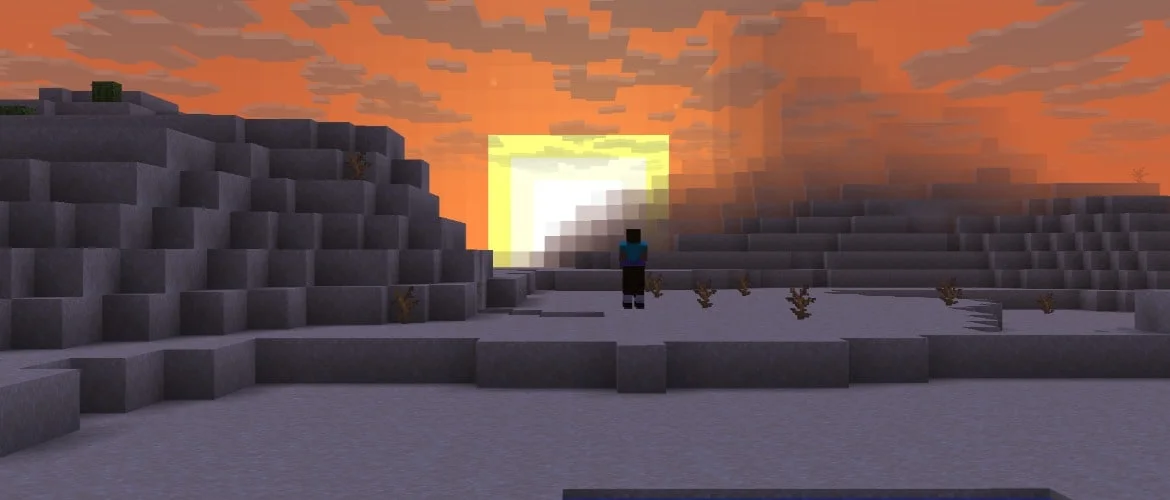
Snapshot 2 is mostly visual. With Improved Transparency on, sky and clouds behind terrain now blend into the render distance fog, objects at the edge of loaded chunks fade out instead of stopping at a solid wall of colour, and the lower half of the skybox hides the sun and moon. The F3 debug screen was redesigned to be easier to read.
Two fixes matter for servers. MC-312064, a random crash during chunk generation, is fixed. So is MC-312046, which made Snapshot 1 spawn far too many mushrooms in swamps. If you explored on a Snapshot 1 server, those swamp chunks are already generated and keep their mushrooms. Only new chunks get the fix.
Snapshot 1 also means old worlds change shape underground: upgrading a world created before Caves and Cliffs now generates sulfur caves below the old chunks. Long-running servers with worlds from 1.17 or earlier are exactly where this lands.
What this means for your server
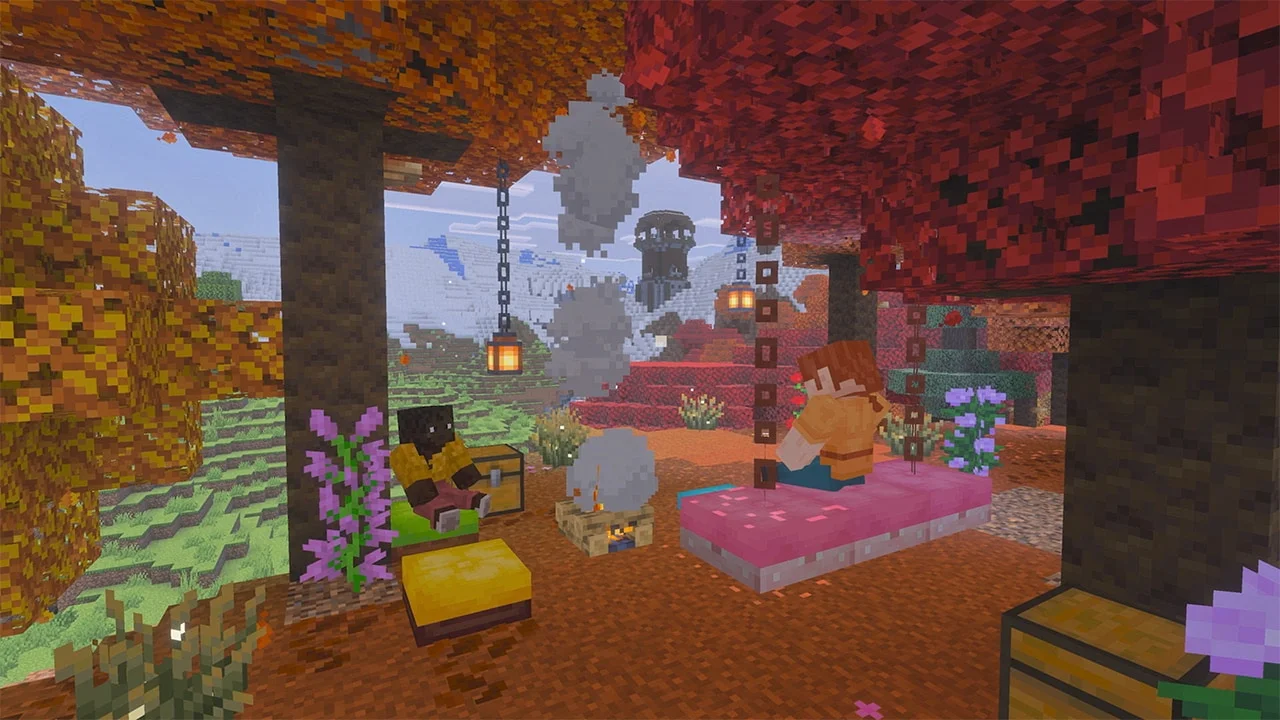
- Keep your main world on 26.3. A world opened in a snapshot can't safely go back. Take a backup, copy the world, and run the snapshot as a separate test server.
- Use the right JAR. Our snapshot server downloads carry every build straight from Mojang, including 26.4 Snapshot 2. On a DoomHosting server, the Version tab's Snapshots view switches a Vanilla server for you.
- Skip Snapshot 1. Snapshot 2 fixes the chunk generation crash, so there's no reason to run the first build.
- Paper and Spigot won't follow. Plugin and modded servers build against full releases and stay on 26.3 until 26.4 ships.
- Plan proxy updates early if you run a network, before 26.4 goes final.
Is it worth testing now?
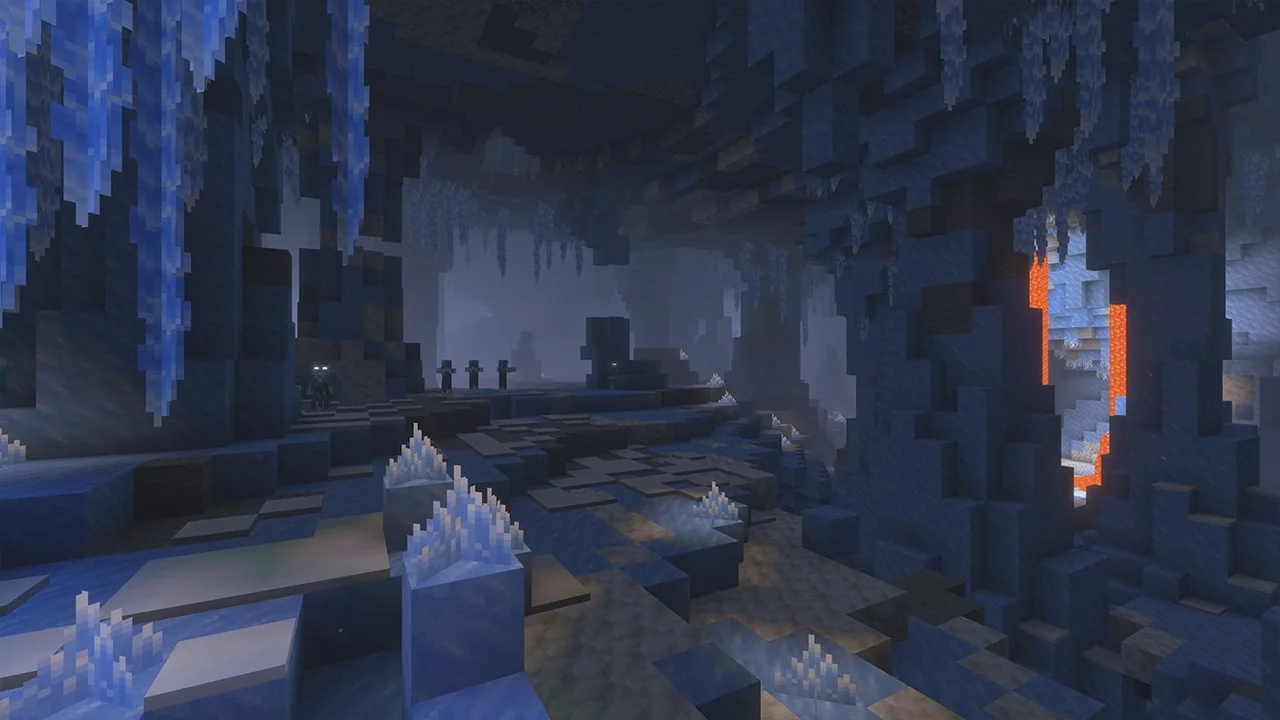
For most servers, not yet. There are no new blocks or mobs in 26.4 so far, and the ice caves and frozen zombie from Minecraft Live are still to come. For anyone running a network, a proxy or a private event server, yes. Connection IDs and the contact field are the most useful things Mojang has added for server operators in a while, and the snapshot window is the time to find out how they fit your setup.
Host Your Minecraft Server with DoomHosting
Run a stable 26.3 world for your players and a separate snapshot server for testing, both with full FTP access, DDoS protection and 24/7 support. Start a Minecraft server with DoomHosting and switch versions from the panel whenever Mojang drops the next build.
Vulkan is the headline, but the real 26.4 story for hosts is in server.properties.