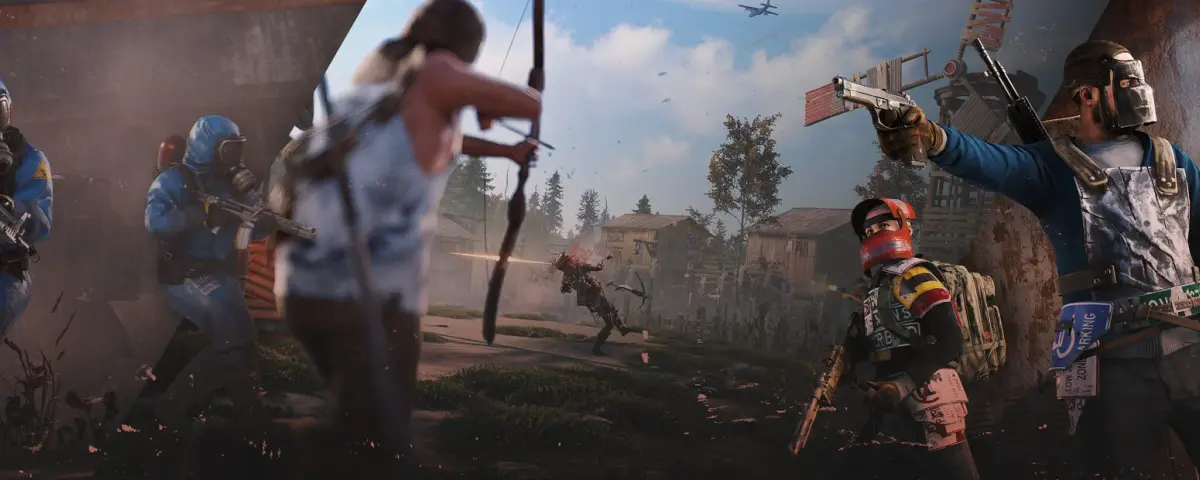
Rust is one of the most brutal, addictive survival games ever made. Thrown onto a procedurally generated island, you start with nothing - a rock and a torch - and fight, build, and scheme your way to dominance. With a playerbase well over 13 million and consistently high concurrent numbers on Steam, it remains one of the most active multiplayer games around.
But here is the thing: official servers are chaotic, crowded, and completely out of your control. If you want a server with your own rules, your own community, and your own wipe schedule - you need to host your own Rust server.
This guide covers everything you need to know.
Why Host Your Own Rust Server?
Running your own server changes the game entirely. Here is what you get:
- Full control over wipe cycles - weekly, biweekly, monthly, or whenever you want
- Custom map seeds and world sizes - from tight 2k maps to sprawling 6k+ worlds
- Plugin support via Oxide/uMod - kits, events, economy systems, anti-cheat, and hundreds more
- Your own admin tools - ban griefers, manage your community your way
- Private server for friends - no randos, just your squad
- Custom game modes - roleplay, PvE-only, softcore, modded rates
For clans, content creators, and communities with a dedicated playerbase, owning your server is not optional - it is essential.
Server Requirements
Before diving in, understand what Rust actually needs to run well. Rust is a demanding game - this is not Minecraft.
| Component | Minimum | Recommended |
|---|---|---|
| RAM | 12 GB | 16-32 GB (scales with map size and player count) |
| CPU | 4 cores | 6-8 cores, high single-thread performance |
| Disk | 15 GB | 30+ GB SSD/NVMe |
| Network | 10 Mbps | 100 Mbps+ for busy servers |
| OS | Windows / Linux | Linux (Ubuntu/Debian) preferred |
A 4,000-size map with 50 players will comfortably fit in 12-16 GB RAM. Push to a 6,000 map with 100 players and you are looking at 20-28 GB. Always go SSD - a spinning disk will cause terrible load times and constant hitches.
Key Server Configuration Options
When you launch your Rust dedicated server (via SteamCMD, App ID 258550), the main startup parameters control how your server behaves:
+server.hostname- The name shown in the server browser+server.worldsize- Map size in meters (1000-6000, default 4000)+server.seed- Random seed for procedural map generation (1-2147483647)+server.maxplayers- Player slot cap+server.description- Description shown in the connection window+server.port- UDP port (default 28015)+rcon.port/+rcon.password- Remote console access for admin tools
Choosing Your Map Size
Map size directly affects resource requirements and gameplay feel:
- 2000-3000 - Intense, compact PvP. Low RAM. Good for 20-30 players.
- 4000 - The sweet spot. Most vanilla and modded servers run this.
- 5000-6000 - Big-world survival. Spread out, more exploration. Needs 20+ GB RAM.
Wipe Schedule
Rust wipes its servers when forced updates come from Facepunch (usually first Thursday of every month - a forced wipe that resets everything). Between forced wipes you can do map wipes or blueprint wipes on your own schedule. Weekly wipers attract high-activity players; monthly servers attract builders and longer-arc players. Know your audience.
Installing Oxide for Plugin Support
Vanilla Rust is great, but most community servers run Oxide (uMod) - an open modding framework that unlocks hundreds of plugins.
Get it at umod.org/games/rust. After each server update from Facepunch, you will need to reinstall Oxide, since updates overwrite the files.
Popular plugins to consider:
- Kits - Give starter kits to fresh spawns
- Shop / Economics - In-game economy with custom currency
- Clans - Formal clan/group management
- Teleportation - /home, /tpr commands for quality of life
- BGrade - Upgrade buildings automatically
- AdminRadar - Admin oversight tool
- NoEscape - Block teleport during combat
Why Use a Hosting Provider Instead of Self-Hosting?
You could run Rust on hardware at home. Most people should not. Here is why managed hosting wins:
- No electricity costs eating into your budget 24/7
- Stable gigabit uplinks with no household bandwidth competition
- DDoS protection - Rust servers get targeted. A good host absorbs that.
- One-click installs and updates - No manual SteamCMD wrangling
- 99.9% uptime SLAs - Your community keeps playing even when you are asleep
- Scalable RAM/CPU - Upgrade as your server grows
With a quality host, you go from zero to playable server in under 10 minutes.
What to Look for in a Rust Hosting Provider
Not all game server hosts are equal. When evaluating providers, check:
- RAM flexibility - You need to be able to scale. Flat-rate RAM plans are limiting.
- NVMe/SSD storage - Non-negotiable for Rust.
- Location options - Server location affects ping. Pick EU for European players, NA for American communities.
- Oxide/uMod support - One-click Oxide install saves time.
- RCON panel access - You need remote admin control without SSH.
- Wipe automation tools - Scheduled map wipes without manual restarts.
- Support quality - Rust-specific technical support, not generic help desk.
Setting Up Your Server: Step-by-Step Overview
- Choose your host and pick a plan with at least 12 GB RAM
- Deploy the server - most hosts use a one-click Rust installer
- Set your startup parameters - hostname, world size, seed, player cap
- Configure your ports - 28015 (game), 28016 (RCON)
- Install Oxide if you want plugin support
- Add your admin Steam ID via the users.cfg file or RCON console
- Join and test - make sure the server appears in the community server list
- Invite your community and set your wipe schedule
Building a Community Around Your Server
A server without players is just a very expensive single-player game. Building a community takes effort:
- Discord server - Essential. Players need a place to communicate, report issues, and organize raids.
- Vote sites like Rust-servers.net and BattleMetrics - list your server and gain exposure.
- Clear rules in your server description - solo/duo/trio limits, no cheating policy, etc.
- Events - scheduled events like airdrop battles, arena fights, or build competitions keep people engaged.
- Consistent wipe announcements - players plan around wipe day. Communicate it in advance.
Ready to Get Started?
Rust is most fun when you control the environment. Your rules, your community, your wipe schedule. A solid hosting provider takes care of the technical side so you can focus on building your server's identity.
Get your Rust server running today and start building the community you want.




