
Picking the right amount of RAM for your Minecraft server is one of the first decisions you'll make, and getting it wrong means either wasting money or dealing with constant lag. This guide breaks down exactly how much memory you need based on your player count, server software, and whether you're running mods or plugins.
I've hosted Minecraft servers for years and helped thousands of server owners pick the right plan. Here's what actually matters.
The Quick Answer: Minecraft Server RAM Recommendations
If you just want a number, here's a reliable starting point:
| Server Type | Players | Recommended RAM |
|---|---|---|
| Vanilla | 1-5 | 2 GB |
| Vanilla | 5-10 | 3-4 GB |
| Vanilla | 10-20 | 4-6 GB |
| Vanilla | 20-50 | 6-8 GB |
| Paper/Spigot (plugins) | 1-10 | 3-4 GB |
| Paper/Spigot (plugins) | 10-30 | 4-8 GB |
| Light modpack (20-50 mods) | 1-10 | 4-6 GB |
| Heavy modpack (100+ mods) | 1-10 | 8-12 GB |
| Large modpack (ATM, RLCraft) | 5-20 | 10-16 GB |
These numbers assume Minecraft Java Edition 1.20+. Bedrock Edition uses significantly less RAM, roughly 1-2 GB for most small servers.
Why RAM Matters for Minecraft Servers
Minecraft is a RAM-hungry game. Every loaded chunk, every entity, every player's inventory sits in memory. When your server runs out of available RAM, you'll see:
- TPS drops below 20 (the server literally can't keep up)
- Block lag where placed blocks disappear and reappear
- Rubber-banding when players move
- Frequent server crashes with "Out of Memory" errors
- Chunk loading delays that make the world feel broken
RAM isn't the only factor in server performance (CPU single-thread speed matters a lot too), but insufficient RAM is the most common reason servers perform poorly.
Breaking It Down: What Uses RAM on a Minecraft Server
The Server Itself
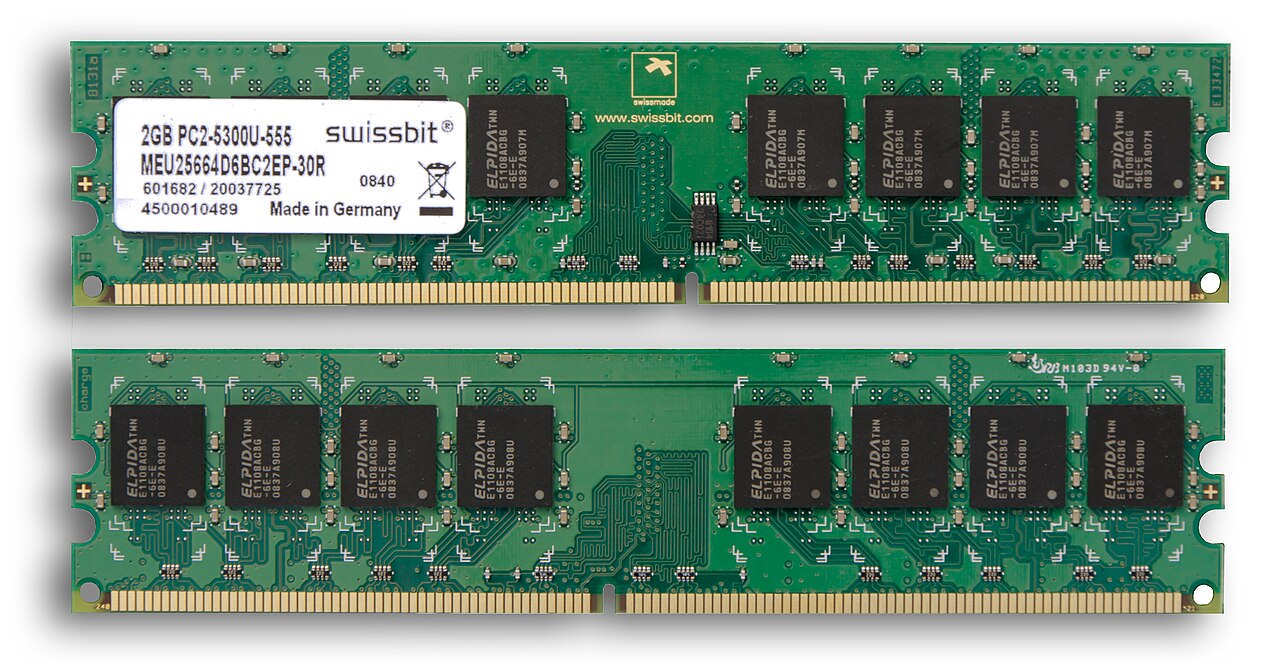
A bare Minecraft server with zero players loaded uses about 500 MB to 1 GB just to run. This is the JVM (Java Virtual Machine) overhead plus the core game engine.
Loaded Chunks
This is the big one. Each player has a view distance that determines how many chunks stay loaded around them. At the default view distance of 10, each player loads roughly 441 chunks. Every loaded chunk eats memory.
Lowering your view distance from 10 to 6 can cut RAM usage by 40-50% with minimal gameplay impact. This is the single most effective optimization you can make.
Players
Each connected player adds roughly 50-100 MB of RAM usage depending on their inventory, loaded chunks, and active entities around them. Ten players at view distance 10 can easily use 2-3 GB just from chunk loading alone.
Plugins (Paper/Spigot/Purpur)
Plugins vary wildly in RAM usage:
- Simple plugins (chat formatting, basic economy): 5-20 MB each
- Moderate plugins (WorldGuard, Essentials): 50-150 MB each
- Heavy plugins (Dynmap, Citizens, large world management): 200-500 MB+ each
A typical server running 20-30 plugins should budget an extra 1-2 GB of RAM beyond what the base server needs.
Mods (Forge/Fabric/NeoForge)
Modded Minecraft is where RAM requirements really escalate. Mods add new blocks, items, dimensions, and mechanics that all live in memory.
- Light modpacks (20-50 mods): Add 2-4 GB on top of base requirements
- Medium modpacks (50-100 mods): Add 4-6 GB
- Heavy modpacks like All The Mods, RLCraft, or FTB packs: Add 6-10 GB easily
Some individual mods are notorious RAM consumers. Create (the automation mod) and shader-heavy mods can each use 500 MB+ on their own.
Minecraft Server RAM by Server Type
Vanilla Server
The standard Minecraft server JAR from Mojang. No plugins, no mods. This is the baseline.
- 1-3 friends playing casually: 2 GB is plenty
- 5-10 players exploring and building: 3-4 GB
- 10-20 player community server: 4-6 GB
- 20+ players: 6-8 GB, and you should really be running Paper instead
Paper/Spigot Server (Plugins)
Paper is the go-to for plugin servers. It actually uses RAM more efficiently than vanilla thanks to chunk loading optimizations. But plugins add overhead.
- Small SMP with 10-15 plugins: 3-4 GB
- Medium community server, 20-30 plugins: 4-6 GB
- Large network hub with 40+ plugins: 6-10 GB
- Mini-game servers with multiple worlds: 8-12 GB
Modded Server (Forge/Fabric/NeoForge)
Modded servers need the most RAM. Period.
- Fabric with optimization mods only: 2-3 GB (Fabric is lightweight)
- Light Forge pack (30-50 mods): 4-6 GB
- Medium Forge pack (50-100 mods): 6-10 GB
- All The Mods 9, FTB packs, RLCraft: 10-16 GB
- Custom kitchen-sink packs with 200+ mods: 12-16 GB
Bedrock Edition / Geyser
Bedrock servers are much lighter on RAM:
- 1-10 players: 1-2 GB
- 10-30 players: 2-4 GB
If you're running a Geyser proxy (allowing Bedrock players to join a Java server), add about 512 MB to your Java server's RAM for the proxy.
Common Mistakes When Choosing RAM
Allocating Too Much RAM
Yes, this is a real problem. Giving your Minecraft server 16 GB when it only needs 4 GB causes Java's garbage collector to work harder. The GC has more memory to scan, leading to longer pause times and lag spikes.
A good rule: allocate what you need plus 20-30% headroom. Not double, not triple.
Ignoring CPU and Disk Speed
RAM won't fix everything. If your server's CPU has slow single-thread performance, you'll have TPS issues regardless of RAM. And if you're running on a slow HDD instead of an SSD (or better, NVMe), chunk loading will be painful.
For a smooth Minecraft server, you want:
- Fast single-thread CPU (3.5 GHz+ modern cores)
- NVMe or SSD storage
- Enough RAM (but not too much)
Not Using Aikar's Flags
If you're not using Aikar's JVM flags, you're leaving performance on the table. These startup flags optimize Java's garbage collection for Minecraft specifically. Most good hosting providers apply these automatically.
How to Check If You Need More RAM
Before upgrading, check if RAM is actually your bottleneck:
- Check TPS: Run
/tpsin-game. If it's consistently below 18, something is wrong - Check memory usage: Run
/spark health(with the Spark plugin) to see real-time memory stats - Watch for GC pauses: Spark will show you if garbage collection is causing lag spikes
- Check timings:
/spark profilertells you exactly what's eating your server's resources
If your RAM usage is consistently above 85%, it's time to upgrade. If it's sitting at 40-50%, you might be overpaying.

Our Recommendation
For most people starting a Minecraft server with friends, 4 GB is the sweet spot. It handles vanilla and lightly modded gameplay for up to 10 players comfortably, and it gives you room to add plugins without immediately needing an upgrade.
If you're running a modded server, start with 8 GB and scale up based on your specific modpack's requirements. Check the modpack's documentation, as most popular packs list their recommended server RAM.
Ready to start your server? Check out DoomHosting's Minecraft server hosting for plans that scale with your needs. All plans include NVMe storage, DDoS protection, and Aikar's flags pre-configured.




