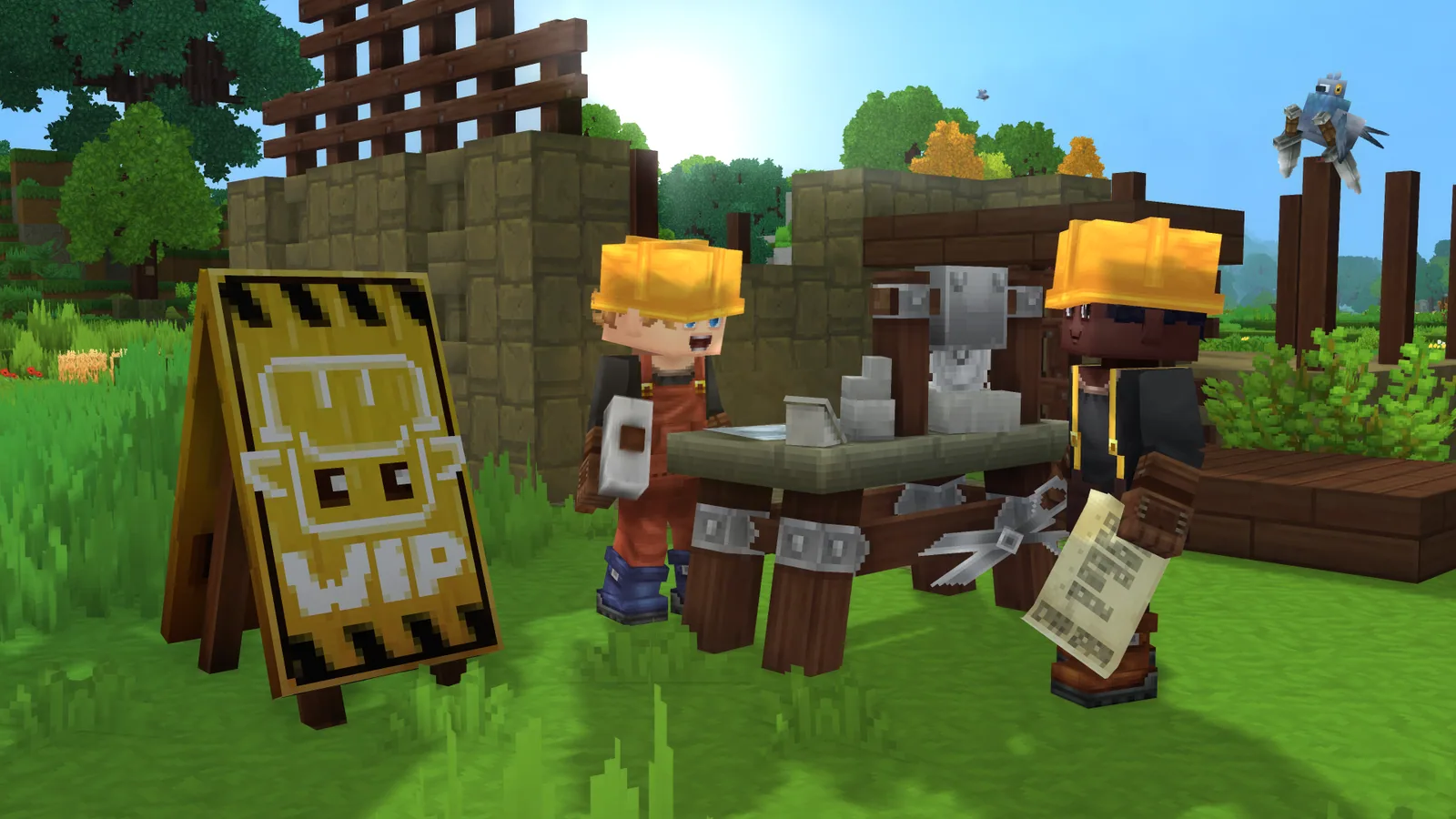
Hytale's first Update 6 pre-release patch dropped on May 28, 2026, with a follow-up hotfix the next day. The headline feature is Block Palette Presets, but for anyone running a dedicated Hytale server the more important changes are buried in the Bug Fixes section: the server is now authoritative over projectile spawn positions and NPC interaction distances, closing two long-standing cheat vectors. Here's what shipped, and what each change means if you host.
Release Date
Update 6 (Part 1) went out on the pre-release branch on May 28, 2026. A first hotfix (Update 6, Part 1, Hotfix 1) followed on May 29, 2026. Pre-release means it lands on the public test branch first. Hypixel Studios usually keeps that branch open for 1 to 2 weeks of feedback before promoting to the main client, so if you run a stable production server, you can hold off updating until the promote happens. If you run a pre-release server for your community, the new client is already live and you can update now.
Block Palette Presets are the headline feature
The Quick Settings menu now has a side tab for managing block palettes. You can save the current palette as a named preset, load it back later, and edit it in a dedicated Palette Editor with a color picker and a block eyedropper. For build servers and creative-focused communities, this is the kind of feature that finally makes large coordinated builds workable: a team can ship a shared palette file instead of every builder hand-mixing colors.
There is nothing server-side to configure for this. Palettes live client-side per player.
Server-authoritative projectile spawns close a cheat vector
Buried under "Combat, Entity & Item Fixes" is a change that should have been the actual headline for server owners:
Projectile spawn positions are now derived from the server's authoritative entity transform, with the client-reported position only accepted when it falls within a velocity-based desync allowance.
In plain English: before this patch, a modified client could tell the server "my arrow is spawning from over here" and the server would believe it. After this patch, the server uses its own copy of where the player actually is, and only trusts the client's reported position when it's within a small tolerance of where the server thinks the player should be. Cheats that teleported projectiles, fired through walls from impossible angles, or used desync to land headshots no longer work the same way.
This adds a small amount of server-side work per projectile (one transform lookup and a velocity comparison). On a typical 16 to 32 player community server we don't expect a measurable tick-rate hit, but if you run very high projectile densities (large PvP brawls, archery minigames) and you see tick spikes after the promote, that's the likely culprit.
NPC and mount interactions are now distance-validated
The matching fix:
NPC and mount interactions now validate the player's distance to the target entity, preventing modified clients from interacting with NPCs or mounting entities from arbitrary distances.
Same shape: the server checks that the player is actually close enough to a vendor, quest NPC, or mount before letting them interact or mount. Stops the "instantly mount a horse across the map" and "buy from a shop without standing in front of it" exploits that were doing the rounds on community servers.
For server owners this means fewer reports to deal with, and for honest players it means the moment-to-moment economy isn't being broken by someone who downloaded a cheat client.
Server browser improvements
A pair of small but practical changes if you advertise your server in the in-game list:
- Tag overflow: servers with more than 4 tags now show the first 3 followed by an overflow indicator. Hover to see the rest. The previous behavior of truncating mid-tag is gone.
- Long descriptions are scrollable: the server details menu now scrolls long descriptions instead of clipping them. If you cut your description down to fit the old window, you can now write the full pitch.
The 'EU' region label was also renamed to 'Europe'. Purely cosmetic, but if you wrote any community guides that reference filtering by 'EU' you'll want to update them.
Stability and mod ecosystem fixes
A few items that matter for hosts:
- Memory leak after leaving a world is fixed. If you've seen container RAM creep up across player join/leave cycles, that's gone.
- Friend-invite deadlock in singleplayer worlds is fixed (server-irrelevant but worth noting for solo testing).
- Confusing mod compatibility warning for mods targeting a bare version is fixed. This is the warning that flagged compatible mods as broken. If you run a modded server and got tickets about it, the false positives stop.
- Rare race condition causing incorrect block lighting is fixed.
The Update 6 Part 1 Hotfix 1 (May 29) also tidied up sprint preservation when crouch-sliding and fixed sprint input not resetting on stop. Both are client-side feel fixes but worth knowing about if your players were reporting movement weirdness on your server.
What This Means for Your Server
Practical checklist if you host a Hytale server:
- Wait for the promote to update production servers. Pre-release patches stay on the test branch for at least a week, sometimes two. If your server is your community's stable home, sit on the current build until promote.
- If you run a test/pre-release server, update now and watch tick rate for the first 24 hours, especially during PvP or high-projectile activity.
- Take a backup before you update. Standard practice, but worth restating before any Update 6 client touches your world files.
- Re-test your mods if you run modded. The version-warning fix changes which mods report as compatible, and the new authoritative-projectile logic could surface bugs in combat mods that injected projectiles client-side.
- Update your server description and tags if you were trimming them to fit the old display.
Worth Updating For?
For server owners, yes. The anti-cheat changes alone justify the update once it promotes. The visible feature (Block Palette Presets) is a nice-to-have for build servers, but the unsung work in the bug-fix section is what actually moves the needle on hosting a healthier game.
Host Your Hytale Server with DoomHosting
If you want to run a Hytale community server without babysitting cheaters or chasing RAM leaks, DoomHosting's Hytale servers run on dedicated Ryzen 9 hardware with full FTP access, DDoS protection, and 24/7 support. Instant setup, scale RAM up as your community grows, and we take care of the Linux side so you can focus on the world.
Update 6 still needs a couple of weeks of pre-release feedback before it lands on the main client. Plenty of time to spin up a server and have it ready for the promote.