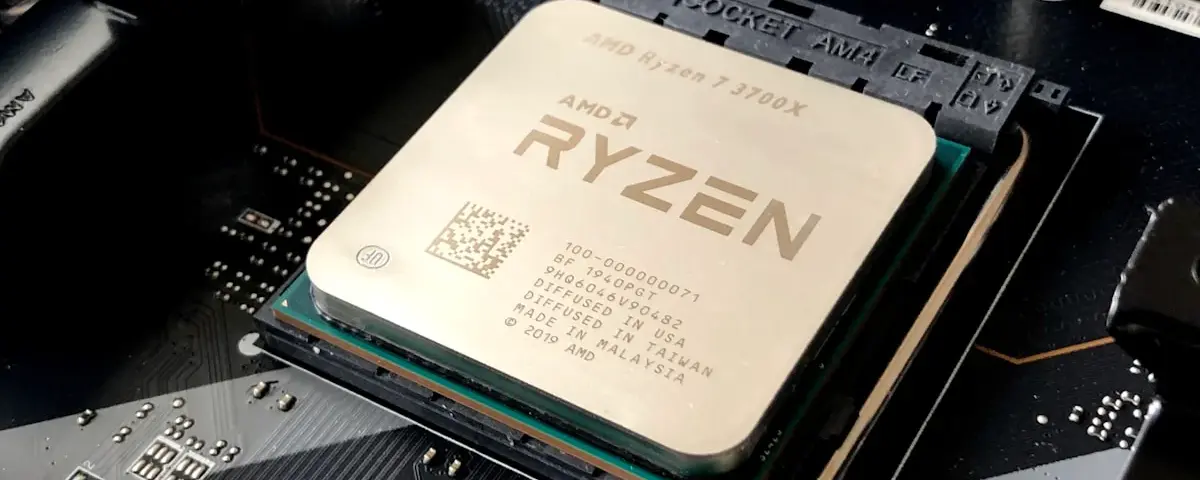
Most game server hosts throw around terms like "high clock speed" and "multi-core" without explaining what actually matters for your server's performance. If you have ever wondered why your Minecraft server lags with 50 players despite having 8 cores, or why your Rust server stutters during large raids, this guide breaks it all down.
What Is CPU Clock Speed?
Clock speed, measured in GHz, tells you how many cycles a single CPU core can execute per second. A 5.0 GHz processor completes 5 billion cycles every second on a single core. Higher clock speed means each individual task gets processed faster.
For game servers, this is critical. Most game engines process the main game loop - player movement, physics, world updates - on a single thread. That means one core does the heavy lifting, and the faster that core runs, the smoother your server performs.
What Is Core Count?
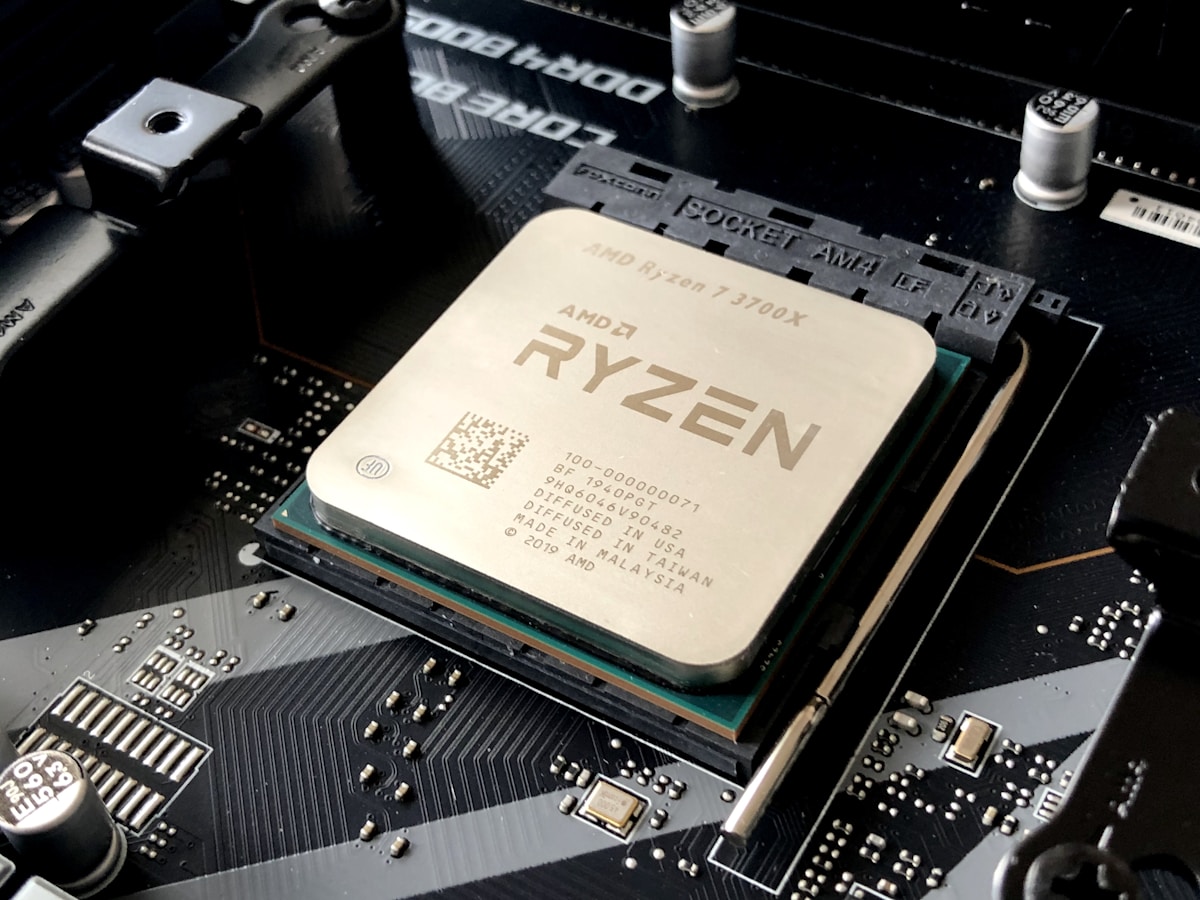
Core count refers to how many independent processing units sit inside your CPU. A 4-core processor can handle 4 separate tasks simultaneously. An 8-core can handle 8, and so on.
More cores help when your workload can be split across multiple threads. Video rendering, compiling code, and running multiple virtual machines all benefit from higher core counts.
Why Clock Speed Usually Wins for Game Servers
Here is the reality that most hosting companies will not tell you: the majority of popular game servers are single-threaded or lightly threaded. That means clock speed matters far more than core count for most games.
Games That Rely Heavily on Single-Thread Performance
- Minecraft (Java Edition) - The main server tick runs on one thread. A 5.0 GHz dual-core will outperform a 3.0 GHz 16-core processor every time. This is why Minecraft servers with many players need the fastest possible single-core speed.
- Rust - The main game loop is primarily single-threaded. Large maps with 200+ players push that single core hard.
- Valheim - Server simulation runs on a single thread. Clock speed directly impacts how many players you can support without lag.
- ARK: Survival Ascended - Notoriously CPU-hungry on a single thread, especially with large tame counts and active creature AI.
- Terraria - Entirely single-threaded server processing.
When Core Count Matters
Some newer games and certain server configurations do benefit from multiple cores:
- Modded Minecraft with heavy plugins - While the main tick is single-threaded, plugins like Dynmap or chunk pre-generation can offload work to other cores.
- Running multiple game servers on the same machine - Each server instance can use its own core.
- Proxy servers like BungeeCord or Velocity benefit from multiple cores when handling thousands of player connections.
- Game servers with separate AI threads - Some games offload pathfinding or AI calculations to additional cores.
- Palworld - Unlike most survival games, Palworld's dedicated server uses multiple threads more actively for Pal AI, making it one of the few survival titles where extra cores genuinely help beyond 4-6.

Real-World Numbers: What Actually Performs Better?
Let us compare two hypothetical setups for a Minecraft server with 80 players:
Setup A: High Clock Speed
- Intel i9-13900KS at 5.8 GHz (boost)
- 4 cores allocated
- Result: Smooth 20 TPS, minimal lag spikes
Setup B: High Core Count
- AMD EPYC 7763 at 2.45 GHz (base)
- 16 cores allocated
- Result: Struggles to maintain 20 TPS, frequent lag during peak activity
The i9 with fewer cores but much higher clock speed crushes the EPYC with four times the cores. This is not theoretical - it is what server operators see daily.
The Sweet Spot for Game Server Hosting
The ideal game server CPU combines:
- High single-core clock speed (4.5 GHz or above)
- Enough cores to handle the OS, network stack, and background tasks (4-6 cores is typically plenty for a single game server)
- Modern architecture - Newer CPU generations process more work per clock cycle (called IPC, or Instructions Per Clock)
Processors like the Intel Core i9-14900KS (up to 6.2 GHz boost) and AMD Ryzen 9 9950X (up to 5.7 GHz boost) represent the sweet spot for game server hosting in 2026. These deliver the high single-core frequency that matters most, with enough cores to keep background tasks from competing.
What to Look for When Choosing a Game Server Host
When comparing hosting providers, ask these questions:
- What CPU model do they use? Vague descriptions like "latest generation hardware" mean nothing. You want specific models.
- What is the single-core boost clock? This is the number that matters most.
- How many players per core? Overcrowded servers share CPU time and introduce lag.
- Do they use dedicated cores or shared? Shared vCPUs can throttle your performance unpredictably.
Common Myths Debunked
Myth: "More cores = better performance" Not for game servers. You cannot throw cores at a single-threaded bottleneck.
Myth: "Server-grade CPUs are always better" Server CPUs (Xeon, EPYC) prioritize reliability and core count over clock speed. For game servers, a consumer-grade i9 often performs better than a server-grade Xeon.
Myth: "RAM matters more than CPU" RAM needs to be sufficient, but once you have enough, adding more does nothing. CPU clock speed is almost always the bottleneck.
Bottom Line
For game server performance, prioritize clock speed over core count. Most popular multiplayer games process their main loop on a single thread, making high-frequency cores the most important factor for smooth gameplay.
At DoomHosting, we run high-clock-speed processors specifically chosen for game server workloads. Whether you are hosting Minecraft, Rust, Valheim, or ARK, our hardware is built for the kind of performance that actually matters - fast single-core speed with enough cores to keep everything running smoothly.