You want to run a game server. Maybe it is Minecraft with your friends, a Rust wipe server, or a big ARK cluster. The first question always comes up: self-host at home or rent from a hosting provider?
Most articles give you a vague "it depends." We are going to do the actual math.
The Self-Hosting Setup: What It Actually Costs
Self-hosting means running a dedicated machine at home that stays on 24/7. It sounds free - you already own the hardware, right? Not so fast.
Hardware
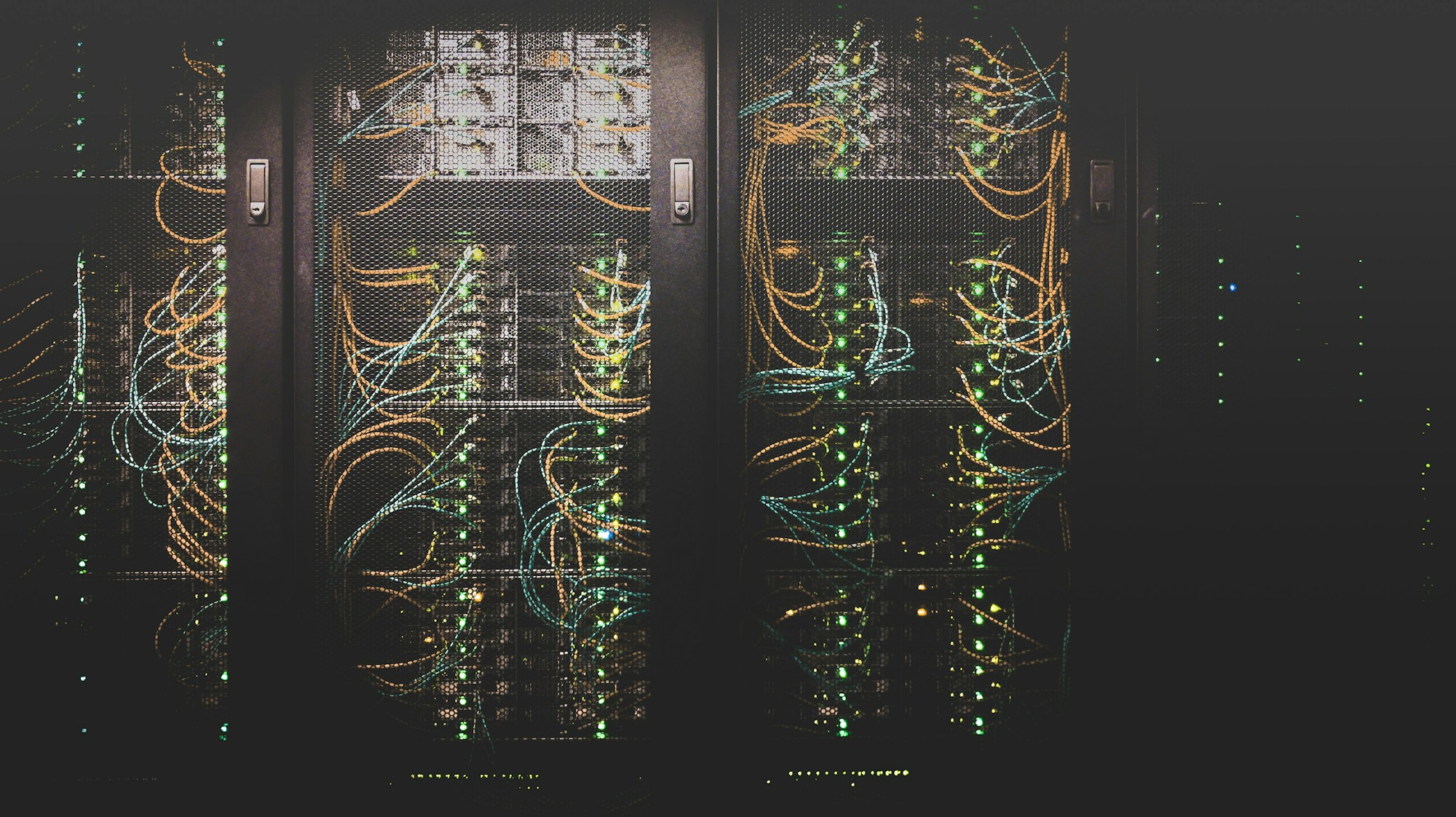
A decent game server needs at minimum:
- CPU: A modern quad-core or better. A Ryzen 5 5600 or Intel i5-12400 works well. Budget: $150-250 used, $200-350 new.
- RAM: 16GB minimum, 32GB recommended for heavier games like ARK or modded Minecraft. Budget: $50-100.
- Storage: An SSD is non-negotiable for world loading speeds. 500GB NVMe runs about $40-60.
- Motherboard, PSU, case: Another $150-250 for decent parts.
Total hardware cost: roughly $400-750 if you are building from scratch with mid-range parts. You can cut this down by repurposing an old gaming PC, but that machine is then locked to server duty.
Electricity
This is the cost most people forget. A typical server PC draws 80-150W under game server load:
- 120W average draw x 24 hours x 30 days = 86.4 kWh/month
- At $0.15/kWh (US average): $13/month
- At $0.35/kWh (Germany): $30/month
- At $0.16/kWh (Sweden): $14/month
Over a year, that is $156-360 in electricity alone, depending on where you live. European electricity prices make self-hosting significantly more expensive than in North America.
Internet and Bandwidth
Your home internet needs to handle both your regular usage and server traffic:
- Upload speed is critical. Most home connections have asymmetric speeds (fast download, slow upload). A game server with 20 players can easily need 10-20 Mbps upload - sustained, not peak.
- Static IP: Some ISPs charge $5-15/month extra for a static IP, or you deal with dynamic DNS headaches.
- Data caps: A 24/7 Minecraft server with 20 players can push 50-100GB of upload per month. Rust is even heavier.
The Hidden Costs Nobody Talks About
- Noise: A PC running 24/7 is not silent. Fan noise, coil whine, HDD clicking - if it is in your bedroom, good luck.
- Your time: Troubleshooting at 2 AM because players in another timezone crashed the server. Port forwarding. Firewall configs. Game updates. OS patches. Your time has real value.
- Hardware failure: Hard drives die. PSUs fail. When your server goes down at peak play time, you are the support team, on call, for free.
- DDoS attacks: Home IPs are easy targets. One angry player or rival community can send a few hundred Gbps of junk traffic and take your entire home internet offline - router, streaming, everything. Professional DDoS mitigation for game servers starts at $200-500/month as a standalone service.
Renting a Game Server: What You Actually Pay
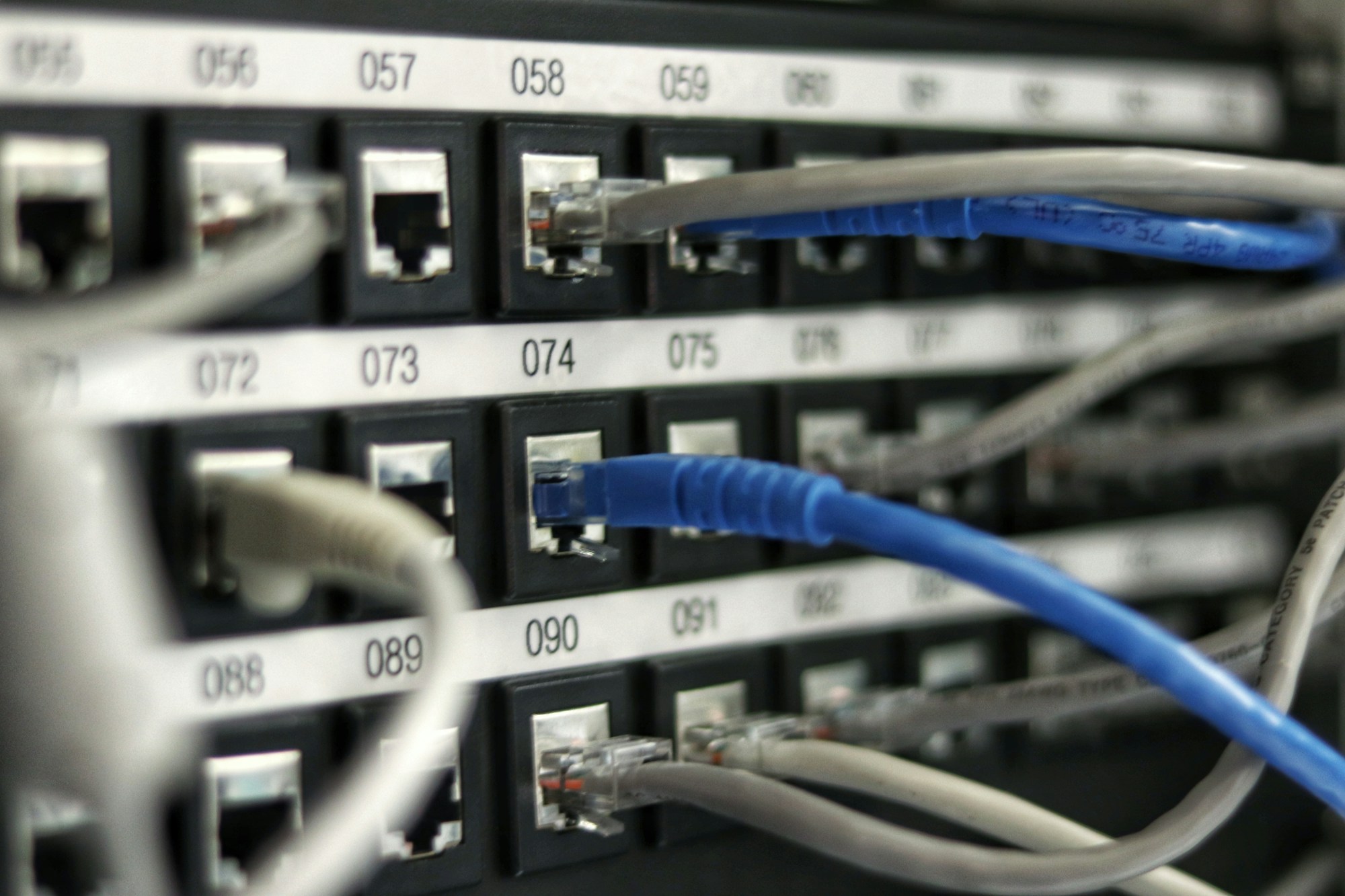
Renting from a game server hosting provider means you pay a monthly fee and they handle the hardware, network, and infrastructure.
Typical Pricing
Game server rental prices vary by game and player slots:
| Game | 10 Slots | 20 Slots | 50 Slots |
|---|---|---|---|
| Minecraft | $5-8/mo | $10-15/mo | $20-35/mo |
| Rust | $10-15/mo | $15-25/mo | $30-50/mo |
| ARK | $12-18/mo | $20-30/mo | $40-60/mo |
| Valheim | $8-12/mo | $12-20/mo | $25-40/mo |
These prices include hardware, electricity, bandwidth, DDoS protection, and a control panel.
What You Get for Your Money
- Enterprise hardware in a real data center with redundant power and cooling
- DDoS protection included - this alone costs $200-500/month to set up properly as a standalone service
- High-speed symmetric bandwidth with low latency connections
- Automatic backups on most providers
- One-click game installs and mod support through control panels
- 24/7 uptime without tying up your home PC or internet connection
The Real Comparison: 12-Month Cost Breakdown
For a server that handles 20-30 players:
Self-Hosting:
- Hardware (one-time): $500
- Electricity (12 months): $156-360
- Internet upgrade or static IP (if needed): $0-240/year
- Your time (conservative estimate: 2 hrs/month at $20/hr): $480
- Year 1 total: $1,136 - $1,580
Renting (20-slot Minecraft example):
- Monthly hosting: $10-15/month
- Year 1 total: $120 - $180
Even ignoring the value of your time entirely, self-hosting costs $656-860 more in the first year versus renting. The math is clear.

When Self-Hosting Actually Makes Sense
Self-hosting is not always wrong. It makes sense when:
- You already have the hardware sitting idle and electricity is cheap where you live
- You need full root access for heavily customized setups no hosting provider supports
- You enjoy the technical challenge and consider the maintenance time a hobby, not a cost
- You are running multiple servers and can spread the hardware investment across several games
- Privacy is a top concern and you want total control over your data and logs
When Renting Is the Clear Winner
For most gamers, renting wins. Especially when:
- You want it to just work. Install the game, invite friends, play. No troubleshooting port forwarding at midnight.
- You value your home internet. A busy game server degrades your regular browsing, streaming, and gaming.
- You play seasonal games. Rent for a month or two, cancel when the group moves on. No hardware sitting in a closet.
- DDoS protection matters. Hosting providers have enterprise-grade protection baked in. Your home router does not.
- Consistent performance. Data center hardware with enterprise SSDs and ECC RAM outperforms most home setups.
Frequently Asked Questions
Can I self-host for free using an old PC? If you already own a capable old gaming PC, the hardware cost drops to zero - but electricity, your time, and the DDoS risk are still very real. For short experiments, sure. For a 24/7 community server, the other costs add up fast.
What upload speed do I need to self-host a game server? A Minecraft server for 10 players needs about 3-5 Mbps upload. Rust or ARK with 20 players can need 15-20 Mbps or more. Most home connections have 10-50 Mbps upload, which can work - but it will compete with your own gaming and streaming.
Is renting a game server safe? Yes. Reputable hosting providers include DDoS protection, regular backups, and SSL by default. Your server IP is a datacenter IP, not your home address.
Can I switch from self-hosting to renting later? Yes. Most hosting providers let you upload your existing world saves, so you can migrate without losing your progress.
The Bottom Line
Self-hosting a game server sounds appealing until you add up the real costs. For the vast majority of gamers, renting from a quality hosting provider is cheaper in year one, more reliable long-term, and saves you from becoming an unpaid sysadmin for your friend group.
Spend $10-20 per month on a proper game server and use your time actually playing the game.
Ready to skip the headaches? Check out Minecraft server hosting, Rust server hosting, ARK server hosting, or Valheim server hosting at DoomHosting. Setup takes minutes.