Your whole server, one calm dashboard
Start and stop your server, edit files, install modpacks, restore backups, and watch the console live. No Pterodactyl tabs to hunt through, no FTP client to set up. Just the controls you actually use, in one place.
- Real-time console
- One-click installs
- No setup required
Demo Server
CPU
18%
RAM
2.4 / 4 GB
Players
7 / 20
[Server] Done (2.1s)! For help, type 'help'
[Server] Player Steve joined the game
>say Welcome to the server
Take the tour
Every tab, the way you'll actually use it
Click through the real panel below. This is exactly what you get the moment your server comes online.
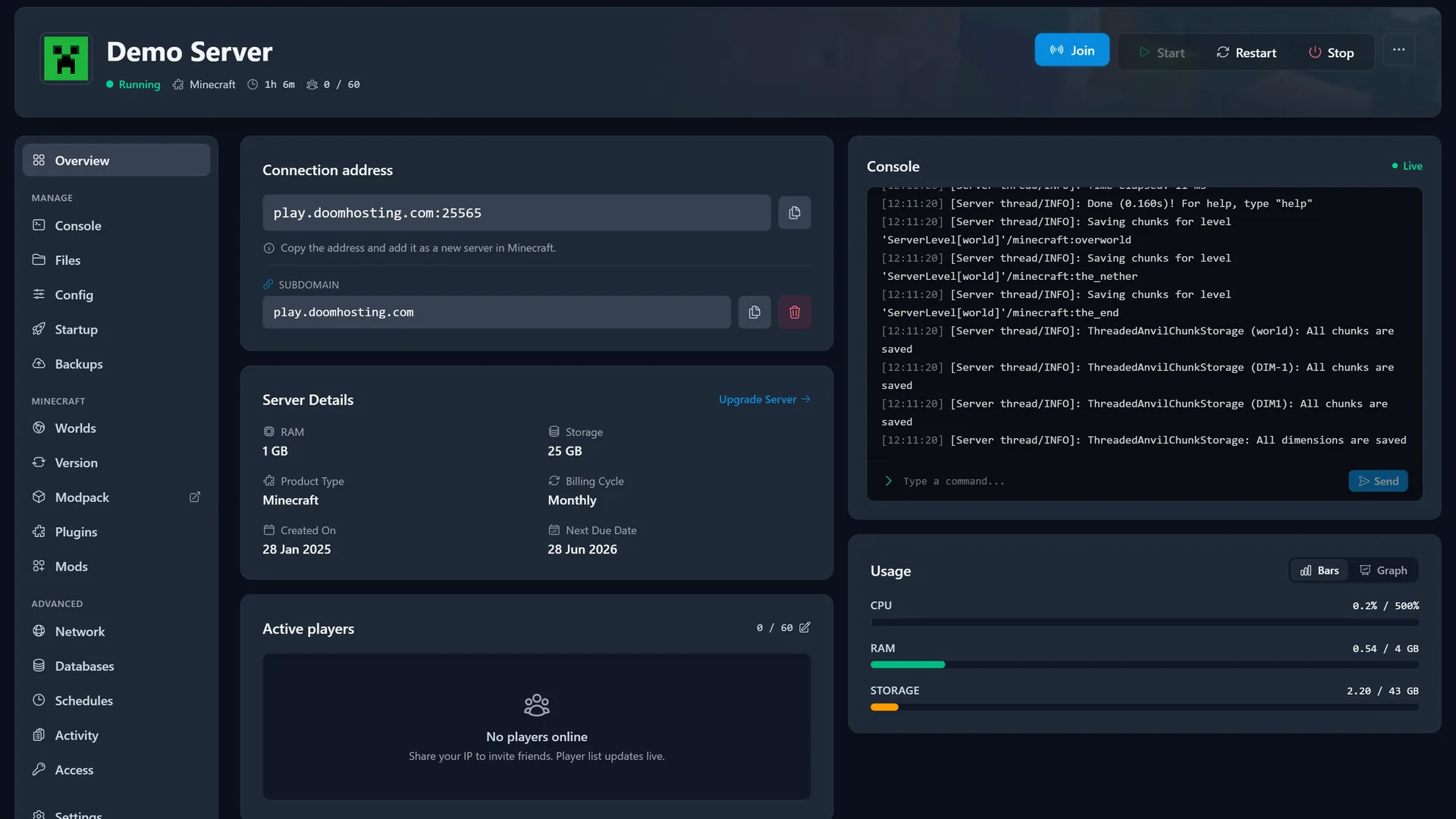
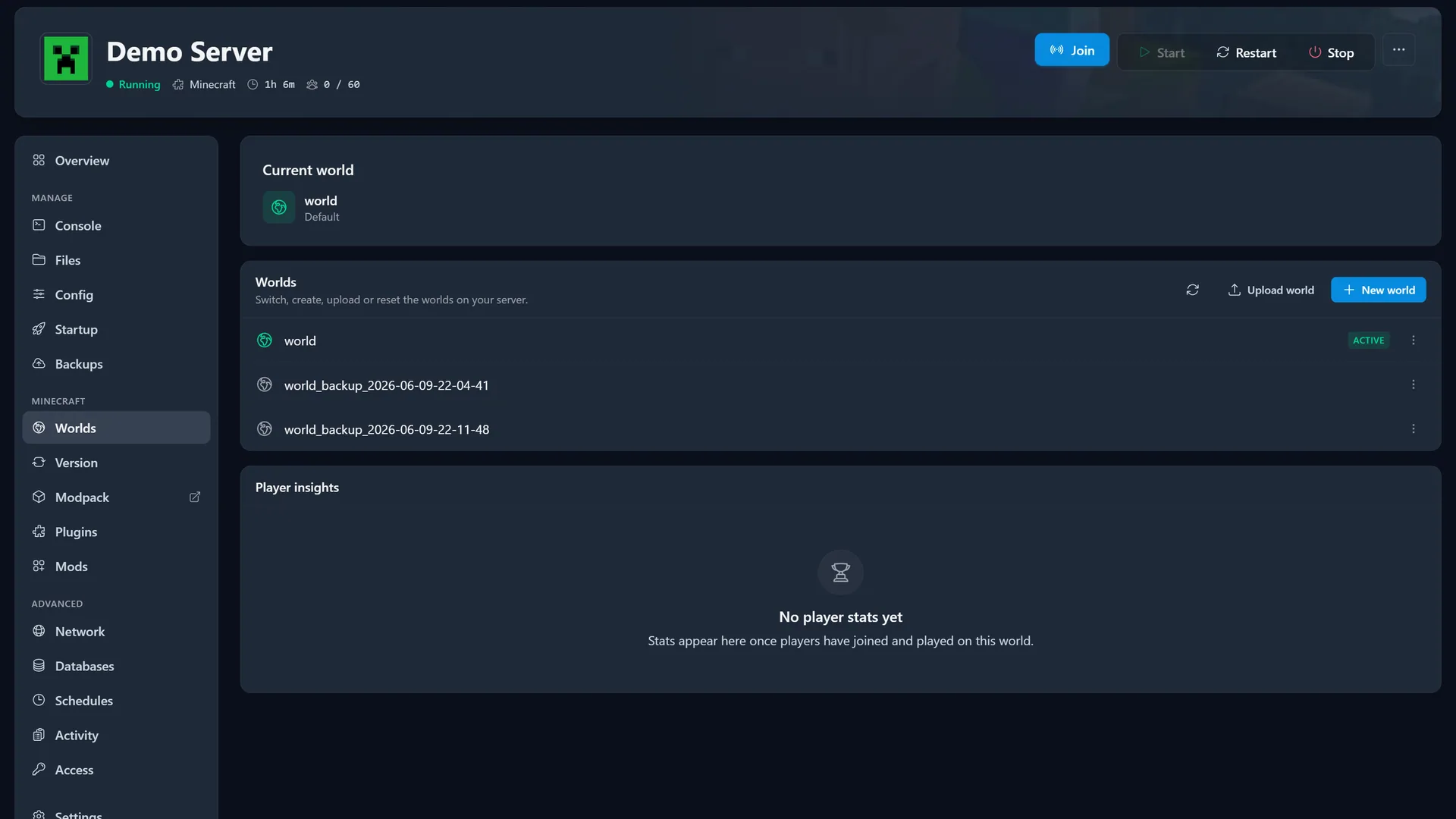
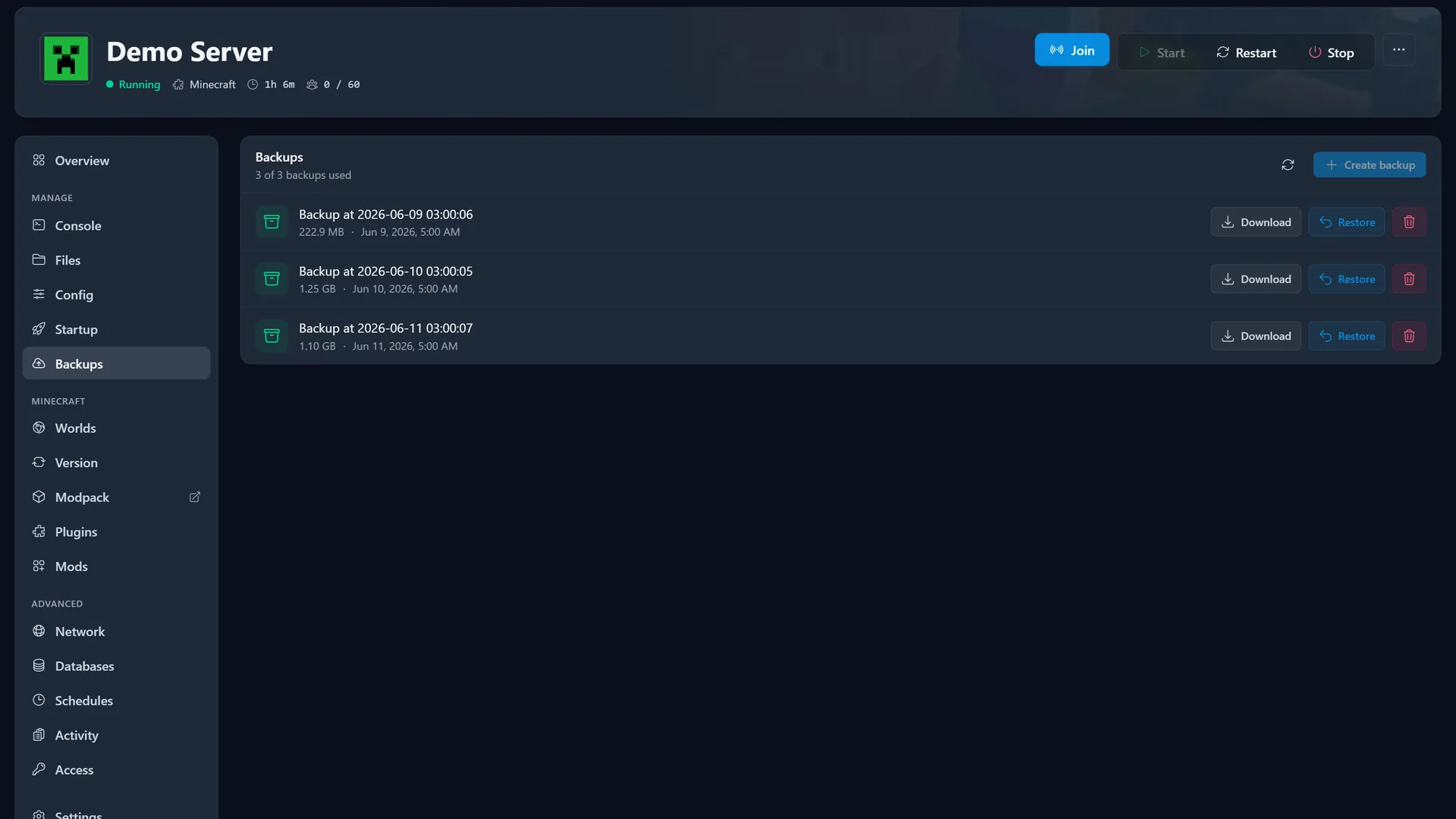
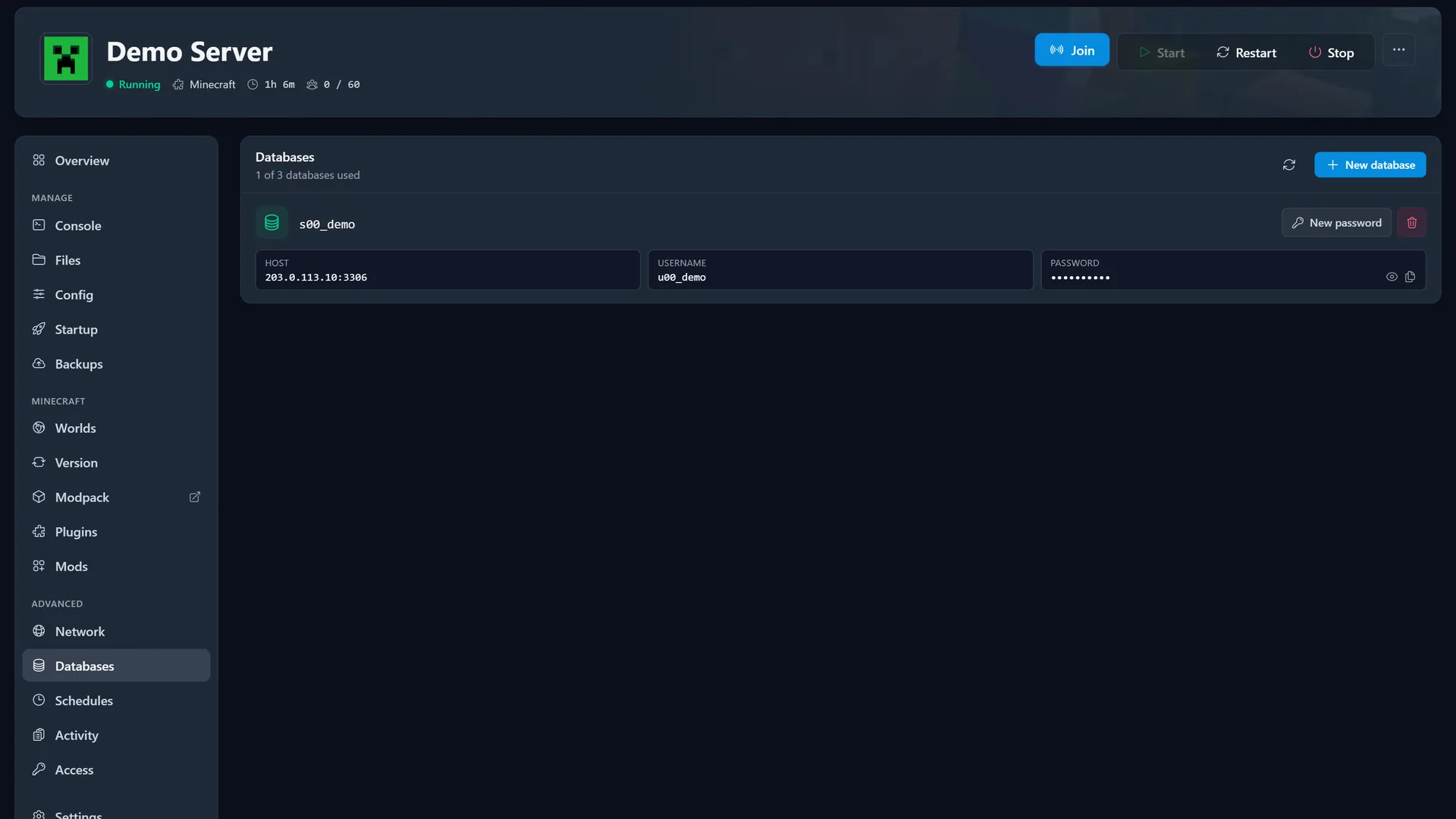
Server Overview·See status, connection address, live resource usage, and players at a glance.
Everything in one place
Built to manage, not to confuse
Sixteen sections, each doing one job well. Here is the full toolkit.
File Manager
Browse, edit, upload, and download files right in your browser. No FTP client needed.
Schedules
Automate restarts, backups, and commands on a timetable you control.
Network
See your ports and allocations, and add extra ones when a mod asks for them.
Sub-users
Invite friends or staff and give each person exactly the access they need.
Startup
Tune launch flags and startup variables without editing a config by hand.
Config Editor
Change the settings that matter for your game through a clean, guided form.
Version Switcher
Move between game versions and loaders without a manual reinstall.
Mod Browser
Browse and install mods for the games that support them, BepInEx included.
A console that keeps up with you
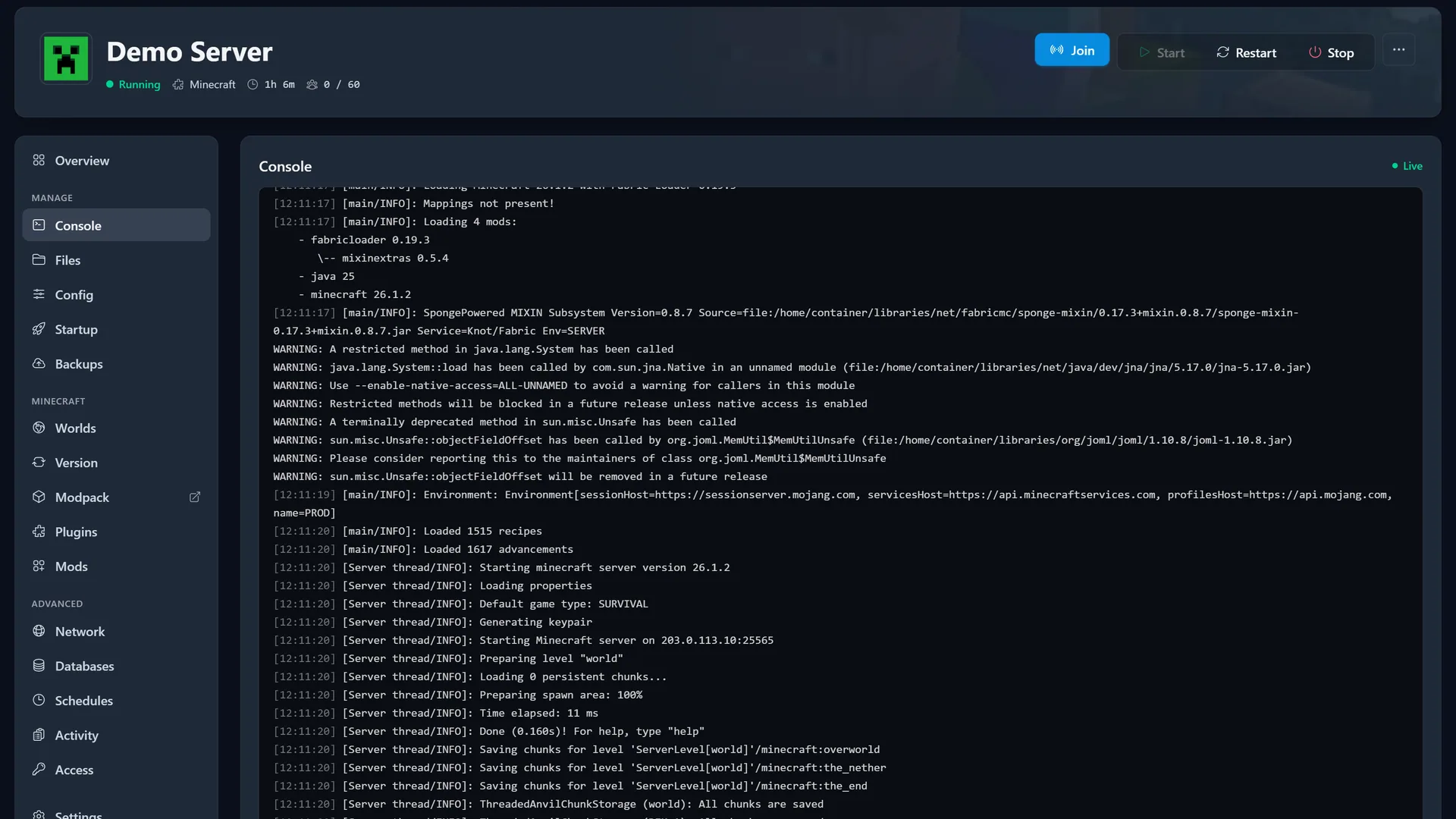
The console connects straight to your server over a live socket, so every line appears the moment it happens. Type a command and watch it land. No refresh, no lag, no guesswork.
Mods and modpacks without the busywork
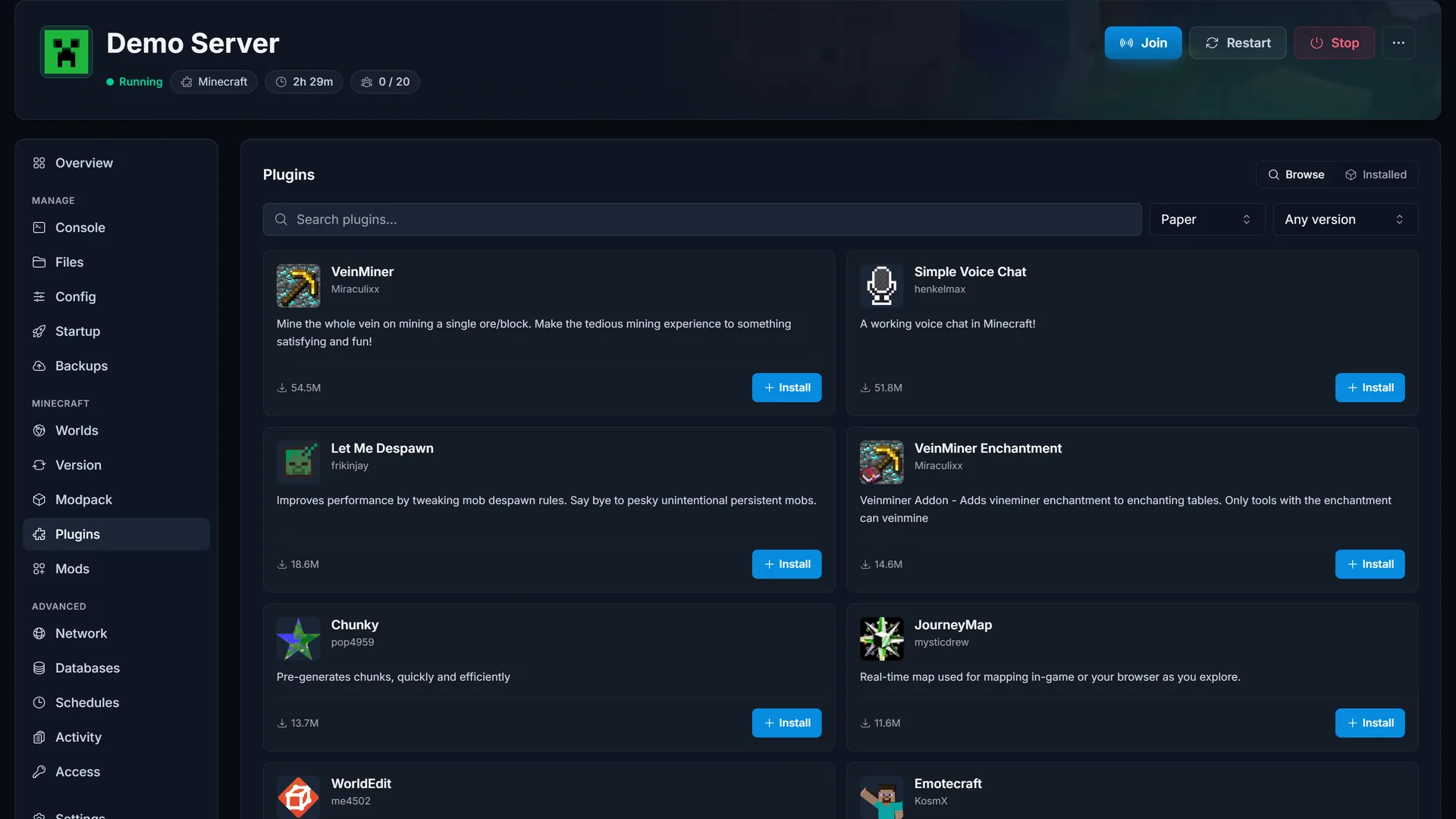
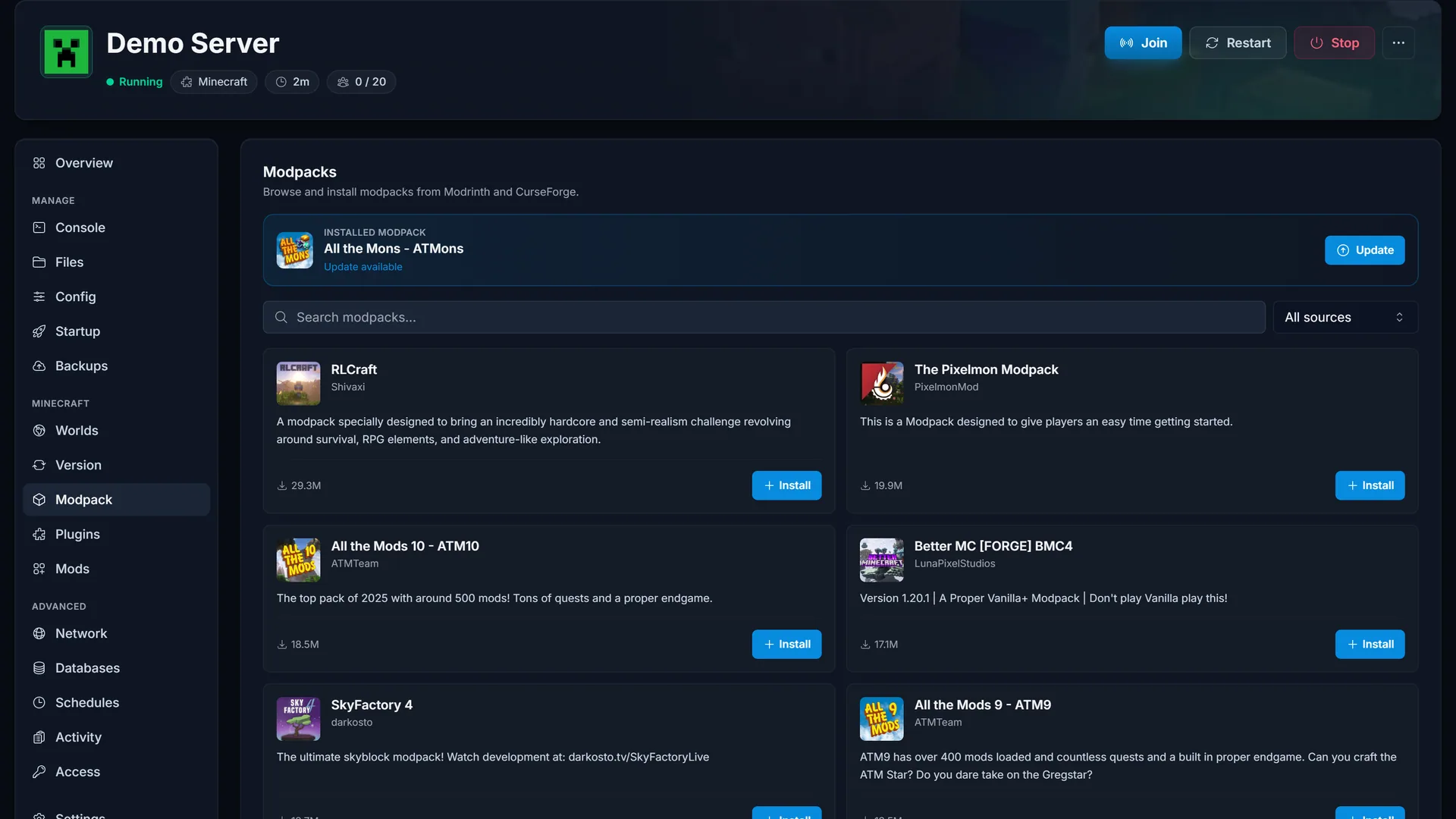
Browse Modrinth and CurseForge inside the panel and install a whole pack in one click. When a new version lands, update in place. Plugins work the same way.
Backups you can actually restore
Schedule automatic backups or take one before a risky change, then roll back to any of them in a click. Your world is never one mistake away from gone.
It fixes crashes before you have to ask
When a bad mod or a version mismatch takes your server down, the panel reads the console, tells you what broke, and offers a one-click fix. Most hosts leave you to read the log yourself.
A mod on your server is built for a different game version and stopped the boot. We found it for you.
Built different
A panel, not a maze
- 16
- panel sections, one place
- <60s
- from order to online
- Live
- console and resource stats
- 1-click
- installs, backups, and fixes
Always shipping
Recently added to the panel
We ship improvements constantly. Here is some of what landed lately.
- New
One-click crash fixes
Spot a bad mod in your console and fix it in one click.
Modpack installer
Install any Modrinth or CurseForge pack in one click, update in place.
Valheim mods and modifiers
Browse and install Valheim mods over BepInEx, and tune the world modifiers, all from the panel.
Plugin and mod browsers
Search and install plugins and mods without leaving the panel.
Scheduled backups and restore
Automatic backups on a schedule, with one-click restore.
Your server, finally easy to run
Pick a game and you will be in this panel in under a minute.